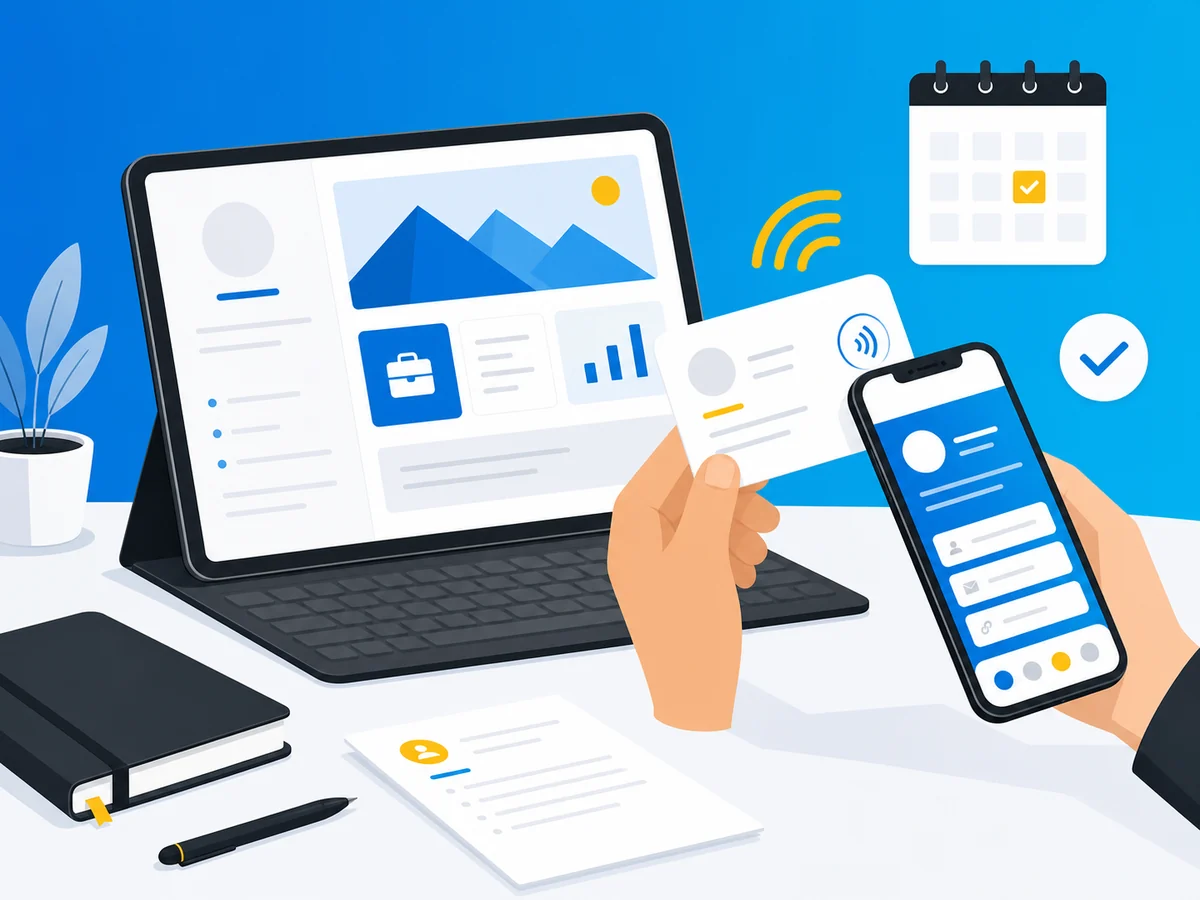
When you’re an independent consultant or freelancer, you don’t have a marketing department. You don’t have a receptionist ordering new business cards when your title changes. You don’t have a corporate brand doing the heavy lifting. You are the brand.
That makes networking both your most important activity and your most personal one. Every interaction reflects directly on you - and the way you share your contact information is part of that first impression.
Paper business cards served the corporate world fine for decades. But for independent professionals? They’ve always been a bad fit.
Why Paper Cards Fail Freelancers
Your title changes faster than you can print
Last month you were a “Marketing Consultant.” This month a client wants to introduce you as a “Brand Strategist.” Next quarter you’re adding workshop facilitation to your services. With paper cards, each pivot means another $80 at the printer and a week of waiting - then six months of handing out cards with outdated info because you hate waste.
Digital business cards update in real time. Change your title once, and everyone who has your card sees the new version immediately.
You wear multiple hats
This is the big one that corporate employees never deal with. As a freelancer, you might be a UX designer who also does brand photography. A management consultant who also coaches executives. A developer who also speaks at conferences.
Paper forces you to choose one identity per card - or carry three different stacks and fumble through them at networking events. Neither option is great.
With a digital card platform that supports multiple cards, you create a card for each role and share the relevant one depending on the context. Meeting a startup founder? Share your strategy consulting card. At a design meetup? Share your UX portfolio card. No fumbling, no explaining, no “oh, I also do this other thing.”
Conference WiFi is terrible (and you still need to network)
Here’s a scenario every consultant knows: you’re at an industry conference, the WiFi is crawling, and you’ve just had a great conversation with a potential client. You want to exchange contact info, but your LinkedIn page won’t load and your website is timing out.
NFC-enabled digital cards help here. A tap is nearly instant - the NFC tag contains a link to your digital profile, which loads quickly even on a spotty connection. It’s far more reliable than waiting for a full website or app to load.
Your budget is personal
When a corporate employee gets business cards, the company pays. When you get business cards, you pay. That changes the calculus entirely.
Every subscription needs to justify itself. Every $10/month is $120/year that comes directly out of your revenue. And premium business card platforms that charge $8-15/month for features you don’t need? That’s money better spent on your actual business.
7 Ways Freelancers and Consultants Actually Use Digital Business Cards
1. The Coffee Meeting
You know the scene. You’re meeting a potential client at a café. The conversation goes well. At the end, instead of digging through your bag for a card that may or may not have your current info, you just raise your phone - with NFC.cool’s Conference Mode on iOS, your QR code is already on your lock screen as a Live Activity. They scan it in two seconds. No unlocking, no opening an app.
Your full contact info - phone, email, website, portfolio, LinkedIn, booking link - saves directly to their phone. No card to lose. No typos in their contacts. And you look like you have your act together.
2. Coworking Spaces
Coworking spaces are networking goldmines, but they require a lighter touch than conferences. You’re not going to hand someone a paper card while they’re trying to focus on their laptop.
A digital card works perfectly here. Someone asks what you do? Share your card via AirDrop, text, or just let them scan a QR code on your laptop sticker. It’s casual, non-intrusive, and memorable.
3. After a Workshop or Talk
If you speak at events or run workshops, the post-session rush is real. Fifteen people approach you in five minutes, all wanting to connect. Paper cards run out. Names blur together.
With a digital card displayed on a slide or printed as a QR code on your handout, every attendee can save your info simultaneously. And if your card platform tracks views, you’ll know exactly how many people actually followed through.
4. International Client Meetings
Freelancers increasingly work across borders. You might be a consultant based in Berlin working with clients in São Paulo, Tokyo, and New York. Paper cards in one language feel limiting.
Digital business cards that support multiple languages let you present your information in whatever language your client prefers. This is a subtle but powerful signal that you take the relationship seriously. NFC.cool Business Card supports 35 languages in the app UI and App Clip - meaning your card adapts to virtually any international context on iOS. The Android sharing experience via the nfc.cool website is currently English only.
5. Email Signatures
Your email signature is a networking tool you probably underestimate. Every email you send is a chance for the recipient to save your full contact details - but only if you make it easy.
Adding a digital business card link to your signature means anyone you email can tap once and get your complete info: phone, address, social profiles, booking link, portfolio. It’s passive networking that works 24/7.
6. LinkedIn and Social Media
When someone connects with you on LinkedIn, you can send them your digital card in the first message. It’s a step beyond the generic “great to connect” - it gives them your direct contact info and signals that you’re serious about building the relationship beyond the platform.
The same works for Twitter/X DMs, Instagram messages, or even Slack communities. Your digital card becomes your universal “here’s how to actually reach me.”
7. The Follow-Up
This is where digital cards earn their real value. You met someone at a conference three weeks ago. They’re finally ready to discuss a project. With paper, they’d have to dig through a stack of cards (assuming they kept yours). With digital, they search “consultant” in their contacts and find you instantly - with your website, portfolio, and booking link right there.
No friction means more follow-ups. More follow-ups mean more clients.
What to Look For in a Digital Business Card App (As a Freelancer)
Not all digital card platforms are built for solo professionals. Many focus on enterprise teams with features you’ll never use - and price tags to match. Here’s what actually matters when you’re independent:
Multiple card support
Non-negotiable if you wear multiple hats. You need at least 2-3 cards for different roles or contexts. Some platforms charge extra for this; others include it.
Custom branding
Your card should look like your brand, not the platform’s. Look for customizable colors, logo upload, and layout options. As a freelancer, your card IS your brand collateral.
No app required for recipients
Critical. When you share your card at a conference, the recipient should not need to download an app to view or save it. If they do, you’ve just added friction to a moment that should be frictionless.
NFC + QR code support
QR codes are universal - anyone with a smartphone camera can scan them. NFC adds speed and wow factor for in-person meetings. The best platforms support both.
Affordable pricing
Enterprise plans with SSO, team dashboards, and compliance features are irrelevant when it’s just you. Look for platforms with generous free tiers or affordable individual plans that don’t force you into team pricing.
Privacy and data control
As an independent professional, your reputation is everything. You can’t afford to be associated with a platform that spams your contacts or records conversations without consent. Check how the platform handles recipient data.
Reliable in low-connectivity environments
Conference halls and client offices often have spotty WiFi. NFC tags transmit the card link instantly via a tap, so you only need a brief data connection to load the profile - much faster and more reliable than loading a full website or app. Keep in mind that most digital business cards (including NFC.cool) do require an internet connection to display the full profile.
How NFC.cool Business Card Fits the Freelancer Workflow
Full disclosure: this is our blog, so we’re obviously biased. But here’s why we built NFC.cool BC with independent professionals in mind - and where other options might work better for specific use cases.
What we do well for freelancers:
Multiple cards included - create different cards for each role or client type, no extra charge
35 languages - the app UI and App Clip support 35 languages, so your card displays in your client’s language on iOS. The Android sharing website is currently English only.
NFC + QR code - tap or scan, works in any situation
No app for recipients - on iOS, an App Clip shows your card instantly. On Android, a website on the nfc.cool domain opens. Both have a “Save Contact” button - no app needed either way.
Privacy-first - no data monetization or advertising, no conversation recording, no recipient solicitation
PIN-protected cards - add a layer of security for cards with sensitive info
Affordable - Personal plan at €20/year (1 card), Small Business at €50/year (10 cards), Business at €100/year (100 cards)
Works with any NFC tag - NFC.cool doesn’t sell proprietary hardware. Any third-party NFC tag, sticker, or card works.
Where competitors might edge ahead:
CRM integrations - if you use HubSpot or Salesforce heavily, platforms like Wave Connect or Blinq offer native integrations that sync contacts automatically. NFC.cool currently offers CSV export on iOS for getting contacts out.
Team management - if you’re a small consulting firm (not solo), platforms with admin dashboards like HiHello or Blinq give you centralized control. We’re built for individuals and small teams.
Analytics depth - analytics (who tapped, when, how many) are currently iOS only, with Android support coming soon. Some competitors offer cross-platform analytics today.
The honest truth: for most freelancers and independent consultants, the contact-sharing experience matters more than CRM pipelines. You need something that works fast, looks professional, and doesn’t break the bank. That’s what we built.
Building Your Personal Brand With a Digital Card
Your digital business card isn’t just a contact-sharing tool - it’s a branding asset. Here’s how to make it work harder:
Match your visual identity
Use your brand colors, logo, and headshot. Consistency across your card, website, and social profiles builds trust. If your website is blue and minimal, your card shouldn’t be pink and busy.
Write a clear tagline
“Strategy Consultant” says what you do. “I help SaaS startups find product-market fit” says what you do for them. Use the card’s tagline or bio field for a benefit-oriented description, not just a title.
Include a call to action
Don’t just list your phone number and email. Add a booking link (“Schedule a free 30-minute call”), a portfolio link, or a lead magnet (“Download my pricing guide”). Give people a next step beyond “save contact.”
Keep it current
This sounds obvious, but it’s the #1 advantage of going digital. Update your card whenever something changes - new certification, new service offering, new phone number. There’s no print run, no waiting, no wasted inventory. Your card is always the latest version of your professional self.
Frequently Asked Questions
Are digital business cards worth it for freelancers on a tight budget?
Yes - and many are free. Even paid options typically cost $5-10/month, which pays for itself if a single networking encounter turns into a client. Compare that to paper cards: $50-80 per print run, outdated within months, and 88% end up in the trash.
Can I have different cards for different services?
Absolutely. Most platforms support multiple cards per account. This is ideal for freelancers who offer different services or consult in different industries. Share the relevant card based on who you’re meeting.
Do recipients need to install an app?
With most modern platforms, no. Your contact info opens as a standard webpage or vCard that saves directly to their phone’s contacts. NFC.cool, Wave Connect, and Blinq all work without requiring the recipient to install anything.
What’s better - NFC or QR code?
Both have their place. NFC is faster and more impressive for in-person meetings (just tap phones together). QR codes are more universal - they work on any smartphone camera and can be printed on slides, flyers, or email signatures. The best approach is a platform that supports both.
How do I share my card at virtual meetings?
Drop your card link in the Zoom/Teams chat, add it to your virtual background, or include it in your email signature. Your digital card works just as well in virtual contexts as in-person ones.
Is my data safe with digital business card apps?
It depends on the platform. Some record conversations at networking events (with questionable consent). Others sell contact data or market to your recipients. Read the privacy policy. Look for platforms that are transparent about data handling and don’t monetize your contacts. NFC.cool, for example, stores your vCard and account data on its server but has no data monetization or advertising - and doesn’t solicit recipients.
The Bottom Line
As a freelancer or independent consultant, you don’t have the luxury of a big brand doing your networking for you. Every handshake, every coffee meeting, every conference conversation is an opportunity - and the way you share your contact info either helps or hurts that opportunity.
Digital business cards remove the friction. They keep your info current, support multiple professional identities, work internationally, and cost a fraction of what you’d spend on paper over a year.
The best card for you depends on your specific needs: if CRM integration is critical, look at Wave Connect or Blinq. If team management matters, consider HiHello. If you want an affordable, privacy-first card that supports NFC hardware and 35 languages, NFC.cool Business Card was built for exactly this.
Whatever you choose, make the switch. Your future clients will thank you - and so will the trees.
NFC.cool Business Card is available on the App Store and on Android inside NFC.cool Tools. Create your first digital card in under two minutes.