Zapier
Use Zapier's "Catch Webhook" trigger to route scans into 5,000+ apps - CRMs, sheets, Slack, you name it. The free tier handles light volumes.
NFC.cool is a scanner that respects your stack. Every scan can be a structured HTTP POST to your own backend, in predictable JSON, sent straight from the device. No middleman, no NFC.cool account, no upload to our servers.
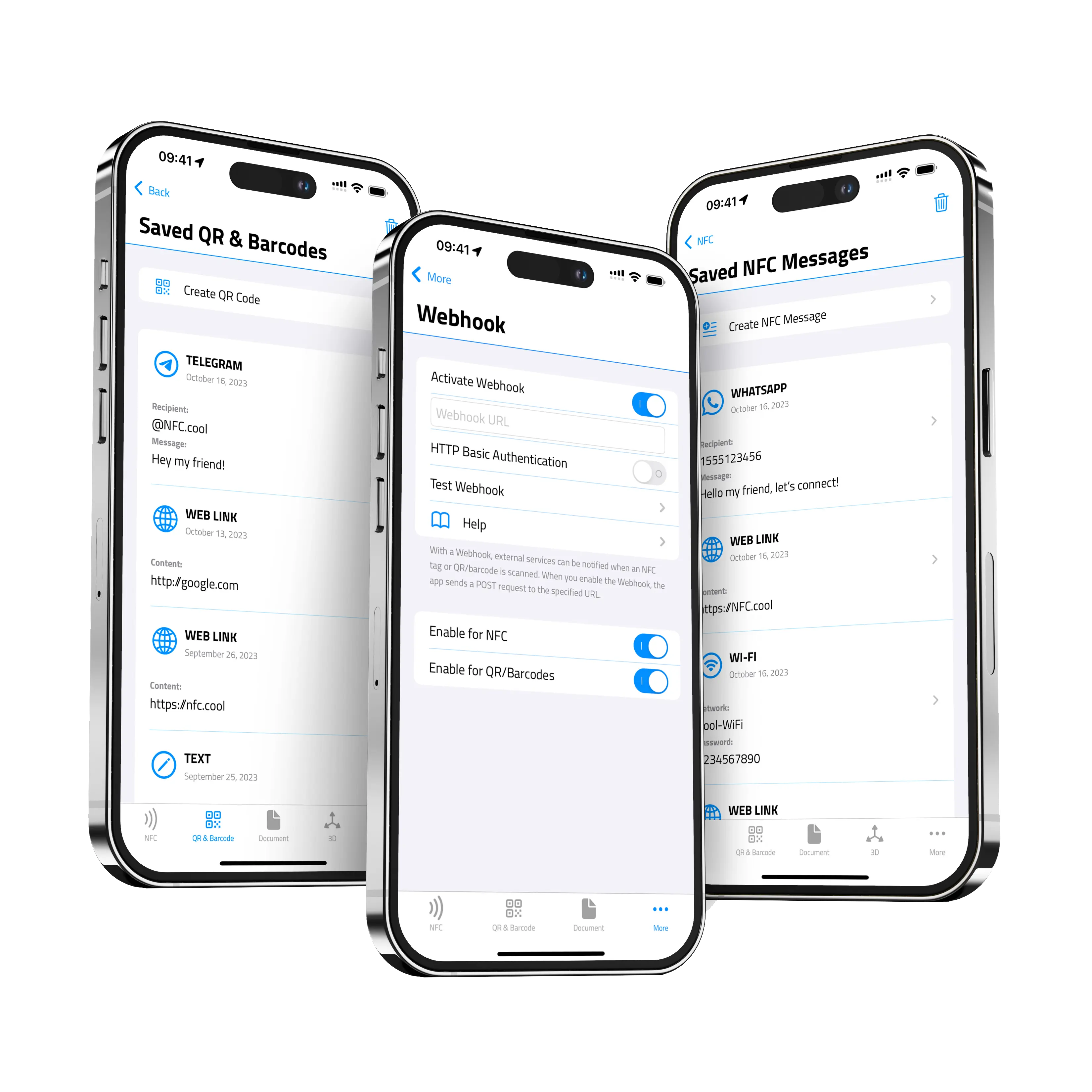
A webhook is just a JSON POST to a URL you control - so anything that speaks HTTP is fair game.
Use Zapier's "Catch Webhook" trigger to route scans into 5,000+ apps - CRMs, sheets, Slack, you name it. The free tier handles light volumes.
Self-host n8n for unlimited workflow runs without per-task pricing. The HTTP-trigger node accepts NFC.cool POSTs directly.
Visual workflow builder with rich app coverage. Use the Webhooks module as the entry point for every NFC.cool scan.
For simple "if this then that" routing. IFTTT's Webhooks service gives you a unique URL to drop into NFC.cool's webhook config.
Point the webhook URL at a Slack incoming-webhook (or Discord/Teams equivalent) to ping a channel every time a tag is tapped.
Any HTTPS endpoint that accepts a JSON POST works. The schema, auth model and example receivers are documented below.
Inventory + audit trail. Tap a tag on an item, NFC.cool POSTs to a sheet or warehouse system; a row appears with the timestamp + tag identifier + payload.
Lead capture at events. Tap a tag on your booth banner, your CRM fires off a follow-up email automatically.
Smart-home triggers. Tap a tag on the front door to mark “I’m home” - Home Assistant / Homey / Hubitat picks it up via webhook.
Asset tracking. Maintenance staff tap tags on equipment to log inspections; the backend builds the compliance log.
Conference check-ins. Tap an attendee’s NFC badge; the webhook updates your event platform in real time.
Enable in Settings → Webhook inside the app: enter one HTTPS URL, optionally a username/password for HTTP Basic Auth, then toggle “NFC scans” and “QR & barcode scans” independently. Available on iOS and Android.
The app fires a single POST per scan against the URL you configured. There’s no separate retry queue: if your endpoint isn’t reachable or returns a non-2xx response, the scan POST fails. Aim for 204 No Content on success; any 2xx is treated as accepted.
Content-type application/json, body is pretty-printed JSON:
{
  "identifier" : "04:A2:7F:1B:5E:80:00",
  "date" : "2026-05-12T14:23:01Z",
  "content" : "https://example.com/check-in/abc123"
}
Structured tags (currently OpenPrintTag) add two more fields:
{
  "identifier" : "04:A2:7F:1B:5E:80:00",
  "date" : "2026-05-12T14:23:01Z",
  "content" : "Filament Spool #1234",
  "tagType" : "openPrintTag",
  "structured" : { "...parsed fields..." }
}
Field reference:
identifier - For NFC scans, the tag’s hardware UID as colon-separated uppercase hex (e.g. 04:A2:7F:1B:5E:80:00). Stable per tag, so you can use it for deduplication. For QR & barcode scans this is a fresh UUID per scan - it’s not a stable code ID. In older iOS NFC compatibility modes that don’t expose the UID, the value is the literal string NoIdentifierInCompatibilityMode.
date - ISO 8601, when the scan happened on-device.
content - Decoded content. For NFC, the NDEF record value (URI or text); for QR/barcode, the raw decoded string.
tagType - Omitted on plain scans. Set to "openPrintTag" for OpenPrintTag scans.
structured - Omitted on plain scans. Parsed structured payload when tagType is present.
Webhooks support HTTP Basic Auth only. In Settings → Webhook you optionally store a username and password in the iOS Keychain. The app then responds to standard HTTP 401 / WWW-Authenticate: Basic challenges from your server with those credentials.
That means your endpoint controls whether auth is required. If you don’t need auth, leave the username and password blank in the app and skip the challenge on the server. If you do need it, return a 401 with WWW-Authenticate: Basic realm="…" on the first POST - the device will retry with Authorization: Basic … carrying the stored credentials. Everything travels over TLS; NFC.cool’s servers never see your credentials.
There’s no Bearer-token, API-key or HMAC-signature support today. If you need those, terminate them at a reverse proxy (Cloudflare Worker, nginx, etc.) that translates Basic → your scheme.
curl -X POST https://your-server.example/webhook \
  -u 'nfc-cool:your-password' \
  -H 'Content-Type: application/json' \
-d '{"identifier":"04:A2:7F:1B:5E:80:00","date":"2026-05-12T14:00:00Z","content":"hello"}'import express from "express";
import basicAuth from "express-basic-auth";
const app = express();
app.use(express.json());
app.post(
"/webhook",
basicAuth({
users: { "nfc-cool": process.env.WEBHOOK_PASSWORD },
challenge: true, // tells NFC.cool to retry with credentials
}),
(req, res) => {
const { identifier, date, content, tagType } = req.body;
console.log(`scan ${tagType ?? "plain"} ${content} id=${identifier} at ${date}`);
res.status(204).end();
}
);
app.listen(3000);import os
import secrets
from fastapi import FastAPI, Depends, HTTPException, Request, status
from fastapi.security import HTTPBasic, HTTPBasicCredentials
app = FastAPI()
security = HTTPBasic()
def check(creds: HTTPBasicCredentials = Depends(security)):
ok_user = secrets.compare_digest(creds.username, "nfc-cool")
ok_pass = secrets.compare_digest(creds.password, os.environ["WEBHOOK_PASSWORD"])
if not (ok_user and ok_pass):
raise HTTPException(
status.HTTP_401_UNAUTHORIZED,
headers={"WWW-Authenticate": 'Basic realm="nfc-cool"'},
)
@app.post("/webhook")
async def webhook(request: Request, _: None = Depends(check)):
body = await request.json()
print(f"scan: {body['content']} id={body['identifier']}")
return {"status": "ok"}NFC.cool Tools on iOS ships a handful of App Intents you can wire into the Shortcuts app, automations, focus modes, or Apple Intelligence.
ScanStarts a scan in the function you pick: NFC, QR / barcode, document, 3D object, or room.
Open TabOpens NFC.cool to a specific tab (NFC, QR, document, 3D, more) without starting a scan.
Get Last NFC TagReturns the content of the last scanned NFC tag as a string - useful as a Shortcut input. Does not launch the app.
Get Last QR CodeReturns the content of the last scanned QR code / barcode. Does not launch the app.
Write NFCOpens the NFC write flow pre-filled with a URL or a text payload supplied by the Shortcut.
The dedicated iOS 18 variants (NFC Scan, QR Scan, Document Scan, Object Scan, Room Scan) show up directly in Spotlight / the action button picker.
For deep-linking from other iOS apps, widgets, or Home Screen shortcuts, NFC.cool Tools registers these URLs:
nfcforiphone://scan-nfc
nfcforiphone://scan-code
nfcforiphone://scan-document
nfcforiphone://scan-object       (iOS 17+)
nfcforiphone://scan-room         (iOS 17+)
Opening any of these jumps straight into the matching scanner. The nfc:// and geo:// schemes are also registered for handing off external tag/coordinate links.
Discoverable feeds for tooling, search engines, and AI agents:
/sitemap.xmlFull site index - every route + last-modified.
/llms.txtAI-friendly site directory (auto-emitted by SiteKit).
/feed.xmlSite-wide RSS with full-text content from every section.
/blog/feed.xmlBlog-only RSS feed.
/changelog/feed.xmlRelease feed - versions, dates, and changelog entries.
/assets/nav-index.jsonStructured navigation index with titles, summaries, tags, and URLs.
/assets/search-index.jsonPlain-text content of every article for client-side search.
Building something on top of NFC.cool? Or spotted an integration partner that should be on this page? Drop a note: hello@nfc.cool.