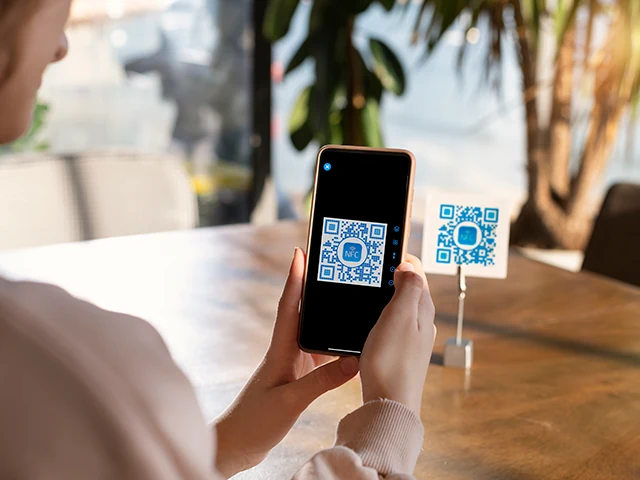
QR codes don’t have to be plain black-and-white squares. The error-correction in the QR spec is forgiving enough that you can decorate the code with colour, logos, and small images, and it’ll still scan reliably. NFC.cool’s QR Studio is built around that idea - a designer for QR codes that look like part of your brand instead of an afterthought.
Colour: pick anything, but respect contrast
QR Studio lets you choose any colour for the foreground (the modules) and the background. You can match your brand palette, hint at a campaign theme, or just make the code less visually offensive on a poster.
There’s one hard rule though: contrast. A QR scanner works by sampling pixels and deciding which are “dark” and which are “light”. If your foreground and background are too close in luminance, the scanner gives up - even when the code passes a human eyeball test.
Practical rule of thumb: dark foreground on a light background. Reverse contrast (light on dark) works on most modern scanners but fails on older ones. If you’re not sure, scan with three different phones before printing 10,000 of anything.
Backgrounds: subtle is better
QR Studio also supports backgrounds - solid colours, gradients, or a subtle image behind the code. The same contrast rule applies, but more strictly: any noise in the background eats into the scanner’s margin for error.
If you want a busy background image, put the QR code on a small solid panel inside the design rather than placing the modules directly on the noisy texture. The panel can be brand-coloured. The code on it should still pop.
Personality: emojis, symbols, logos in the middle
QR codes have built-in error correction - they’re encoded with redundancy so a partly damaged code still decodes. QR Studio uses that headroom to let you drop a logo, emoji, or icon into the centre of the code without breaking it.
A few guidelines:
Keep the centre overlay small. Roughly 20-25% of the code’s width is safe. Past that, you eat into more error correction than the code can spare.
Use error correction level H if you plan to add a large logo. Higher correction = more redundancy = bigger logo possible. QR Studio sets this automatically when you add a centre element.
Test on multiple scanners. iOS Camera, Google Lens, and dedicated scanner apps all have different tolerance levels. A code that scans in iOS Camera should scan everywhere.
Sizes: print vs digital
Print needs more physical area. For a business card, you want the QR code at least 2 cm × 2 cm. For a poster viewed from 1 metre away, scale up to ~5 cm. For a billboard, scale to whatever the audience distance demands - the rule is roughly “code size = viewing distance ÷ 10”.
QR Studio exports at high resolution so you don’t have to worry about pixelation - vector when possible, sharp PNG otherwise.
Where personality actually pays off
Customised QR codes aren’t just aesthetic - they’re recognisable. A branded QR code in a museum, a restaurant menu, a product label, or a business card tells the viewer “this is curated content, not spam”. The 0.5 seconds of trust that buys is the difference between a scan and a pass.
That’s what QR Studio is built for: pretty codes that still scan, ready to drop into any design.
Available inside NFC.cool Tools for iPhone and Android.