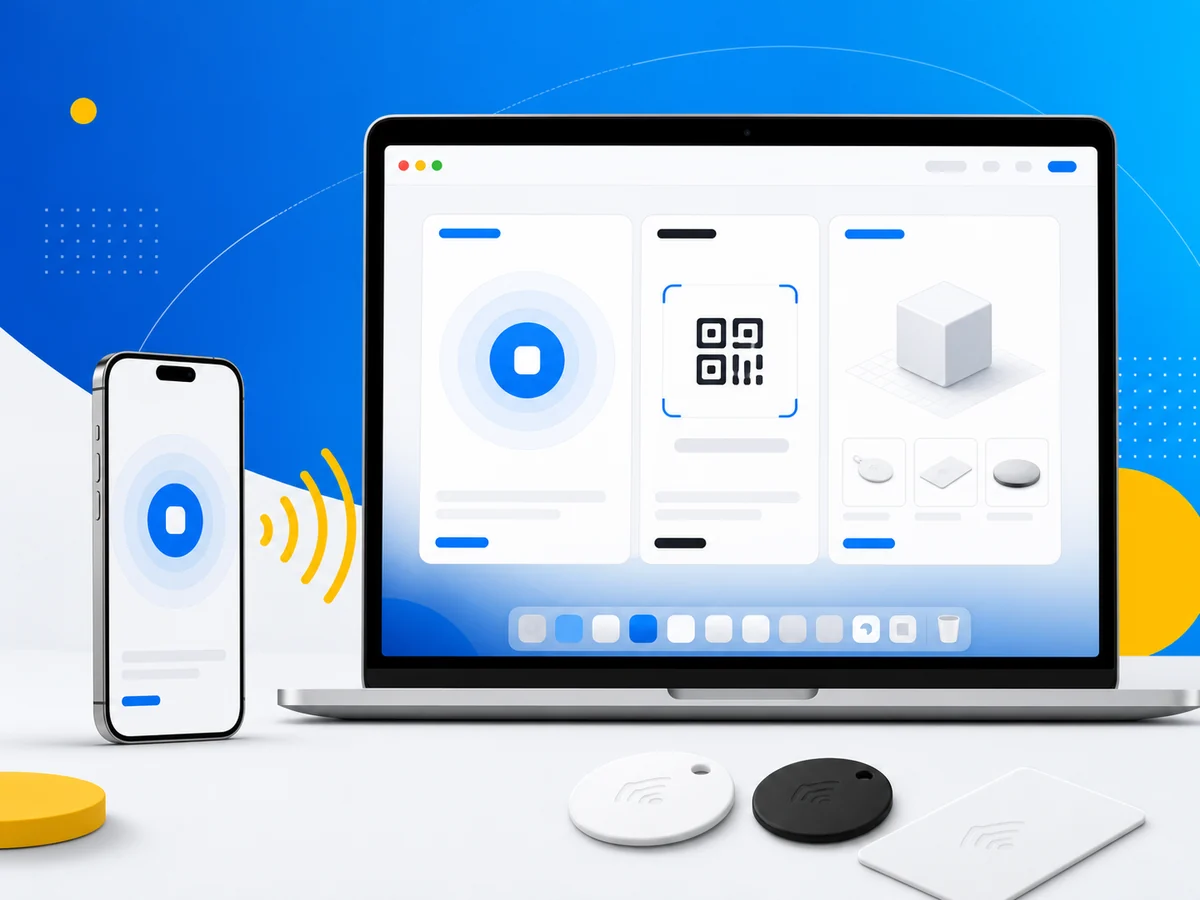
Your iPhone is the scanner. Your Mac is the browser.
Starting today, the NFC.cool iOS and iPadOS app is compatible with Mac - meaning you can install it directly from the App Store on your Mac, just like any other app designed for iPhone and iPad.
No separate Mac app. No subscription upgrade. Same app, one more screen.
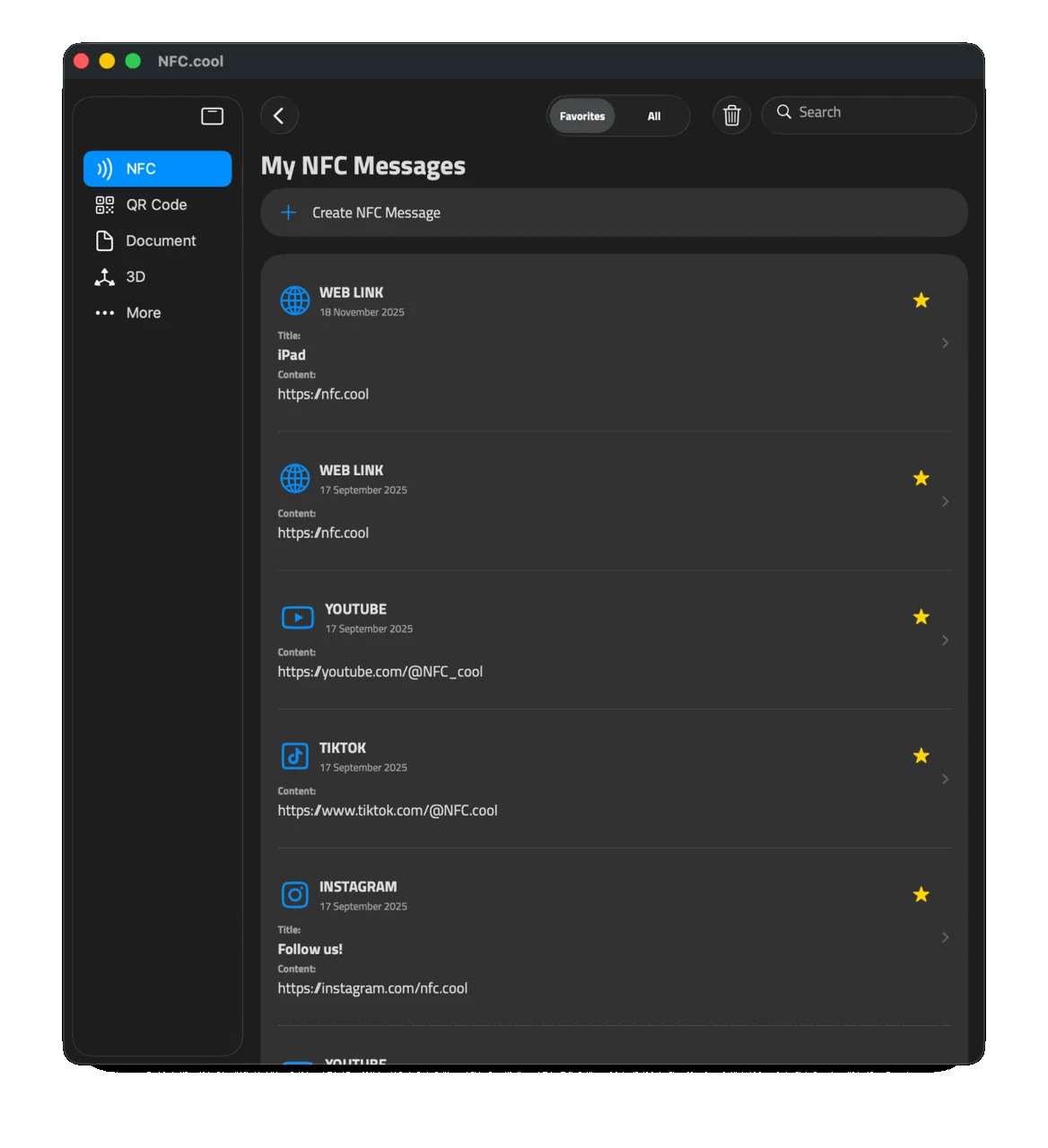
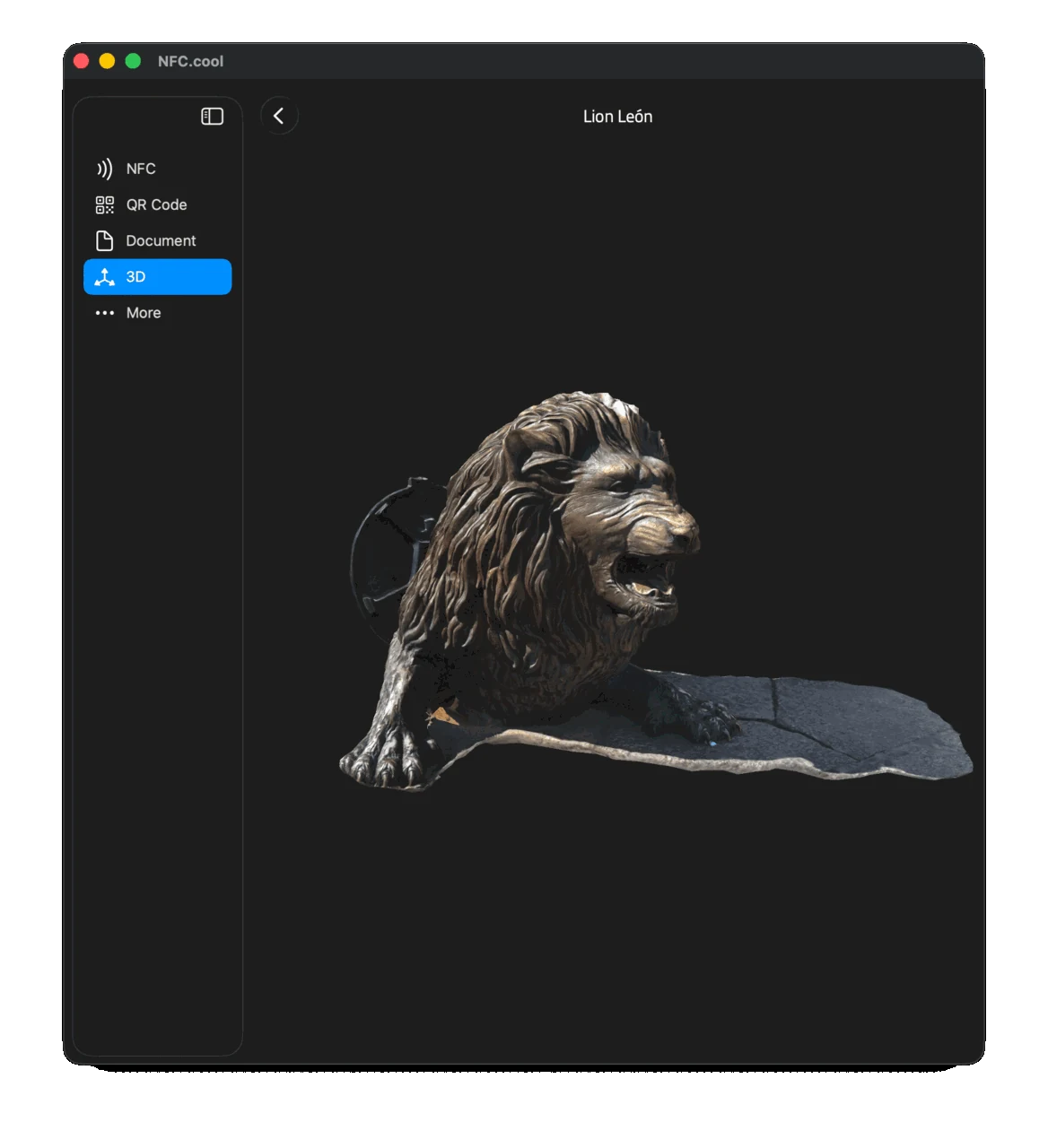
The Sidebar - Built for Bigger Screens
NFC.cool has always been a mobile-first app. You hold your phone, scan a tag, see the result. That works great on iPhone.
But on iPad and Mac, a single-column phone layout wastes a lot of space. So we added a sidebar navigation - designed specifically for the bigger screen.
The sidebar gives you quick access to all your content categories:
NFC tags you’ve scanned
QR codes & Barcodes you’ve captured
Documents you’ve scanned
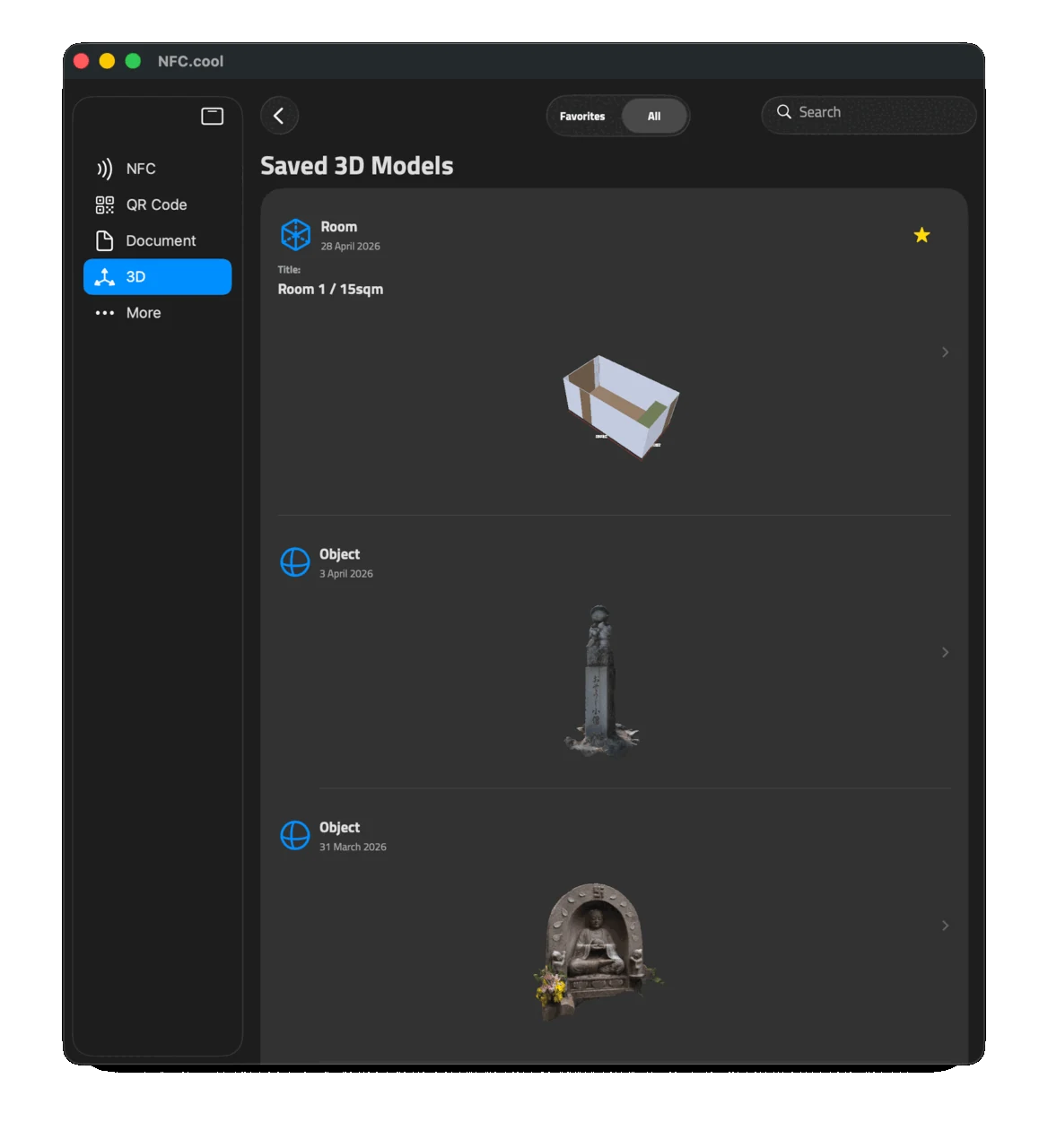
3D models & Rooms you’ve scanned
Everything is one tap (or click) away. The sidebar also adapts to iPad - same experience, same efficiency, whether you’re holding it or it’s on your desk.
iCloud Sync - What You Scan on iPhone, You See on Mac
This is where it gets useful.
Every scan you’ve done on your iPhone - NFC tags, QR codes, barcodes, documents, 3D models, room scans - syncs to your Mac automatically through iCloud.
Open the app on your Mac, and your entire library is already there. No export, no manual transfer, no “send to Mac” button. It just appears.
This means you can:
Scan on the go with your iPhone
Review and organize on your Mac with the bigger screen
Reference a tag or document while working on your Mac - without reaching for your phone
Your data follows you across devices because it lives in your iCloud account. Same privacy approach as always: your scans stay on your devices and in your iCloud. We never see them.
Bonus: Your Mac Camera Is a QR & Barcode Scanner
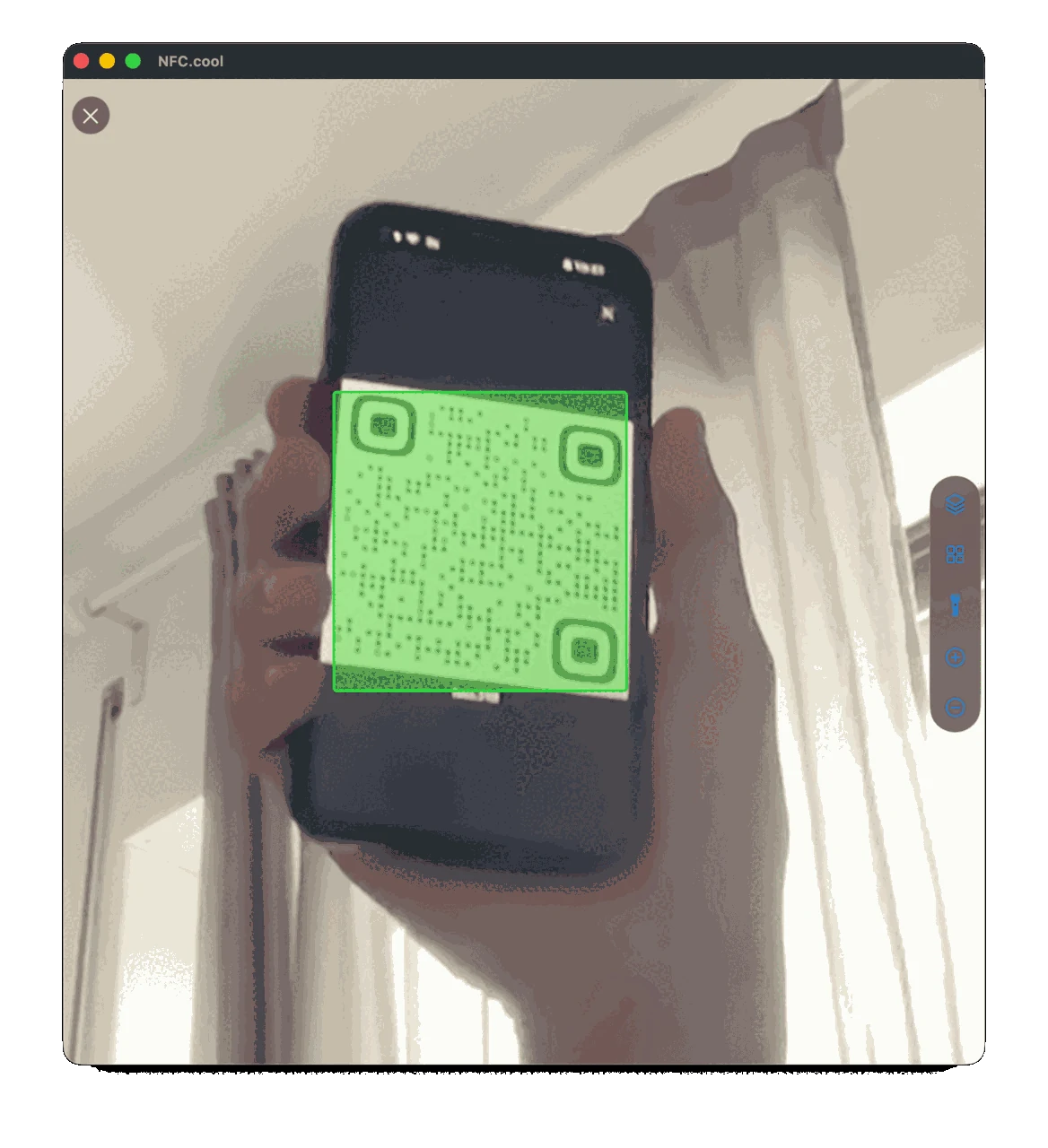
Here’s a fun one - your Mac’s built-in camera works as a QR code and barcode scanner.
Hold a QR code up to your Mac’s camera, and NFC.cool reads it. Same for barcodes. No iPhone needed for these.
Useful for quickly looking up a product barcode while you’re working, or scanning a QR code from a screen without pulling out your phone.
What Doesn’t Work on Mac (And Why)
We believe in being upfront about limitations, not hiding them.
NFC scanning doesn’t work on Mac - Macs don’t have NFC radio hardware. You need your iPhone for that.
Document scanning doesn’t work either - the Mac camera doesn’t have the auto-focus and edge-detection pipeline that makes document scanning work on iPhone and iPad.
3D scanning and room scans need the LiDAR sensor (iPhone Pro / iPad Pro) - no Mac has one.
These aren’t software limitations we can fix. They’re hardware constraints. The Mac simply doesn’t have the sensors.
But here’s the thing: you probably don’t need them on your Mac. You scan with your iPhone because it’s in your hand. You browse and reference on your Mac because it has the big screen and keyboard. The Mac app is built for that workflow.
Same App, More Screens
The Mac app isn’t a separate product. It’s the same NFC.cool app you already know, now compatible with one more device.
If you already have NFC.cool on your iPhone or iPad, it’s waiting for you in the Mac App Store - same subscription, same account, same library.
Download NFC.cool Tools for iPhone, iPad, and Mac
Android user? NFC.cool for Android has you covered too.