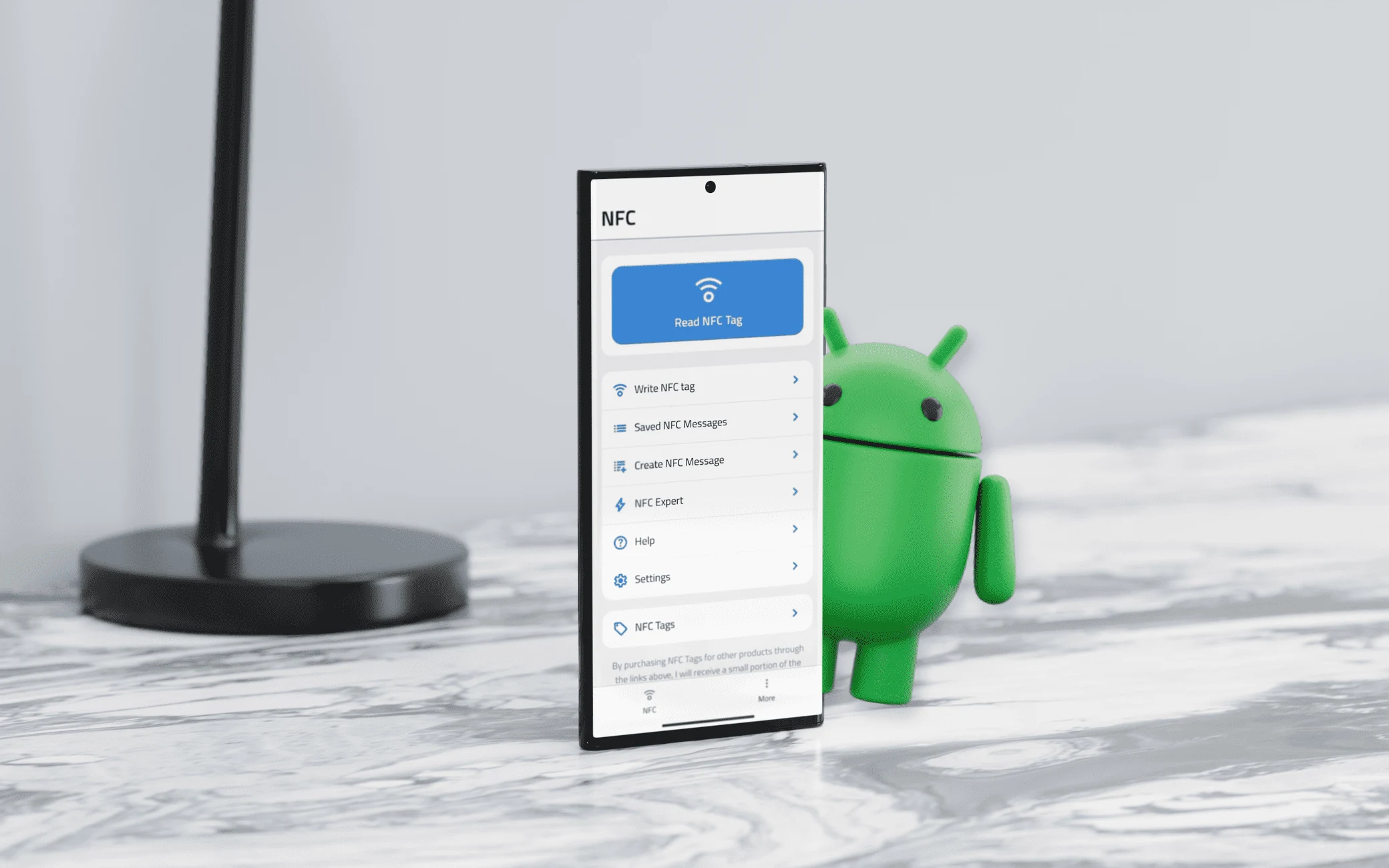
NFC.cool Tools is now available on the Google Play Store. After years on iOS, the Android version is live - and it ships with the bundled NFC.cool Business Card built in.
What’s in the Android app
The Android version focuses on the core NFC surface that’s shared across both platforms:
Read NFC tags. Any NDEF-formatted tag, any record type - URL, vCard, Wi-Fi, plain text, custom MIME.
Write NFC tags. Compose any record type and write to blank tags. Lock when you’re done if the tag is going somewhere public.
NFC.cool Business Card (bundled). The Android edition includes the business card flow as a feature inside the app - create a card, write it to a tag, share it with one tap. Recipients on iOS see an App Clip; recipients on Android open a web page on the nfc.cool domain.
What’s iOS-only (for now)
A few features in NFC.cool Tools rely on Apple hardware that has no Android counterpart - the LiDAR sensor for 3D scanning and room scanning, the Vision framework for document scanning, and the system QR scanner that lives behind the Camera app. Those stay iOS-only.
The NFC reading and writing surface, however, is identical. Anything you can do with a tag on iPhone, you can do on Android.
Why we held back
Android has had NFC support since 2012, longer than iPhone. So why did the Android app take so long?
The honest answer: we wanted the NFC.cool Business Card flow to work cross-platform before launching on Android. That meant designing the App Clip + web fallback so an iOS user and an Android user could exchange cards without either side caring what phone the other one carried. Once that was working, Android became a viable launch.
Where to get it
Android: Google Play
iOS: App Store
Same brand. Same feature set for the parts that share hardware. The plan from here is to keep both platforms shipping in lockstep on anything NFC-related.