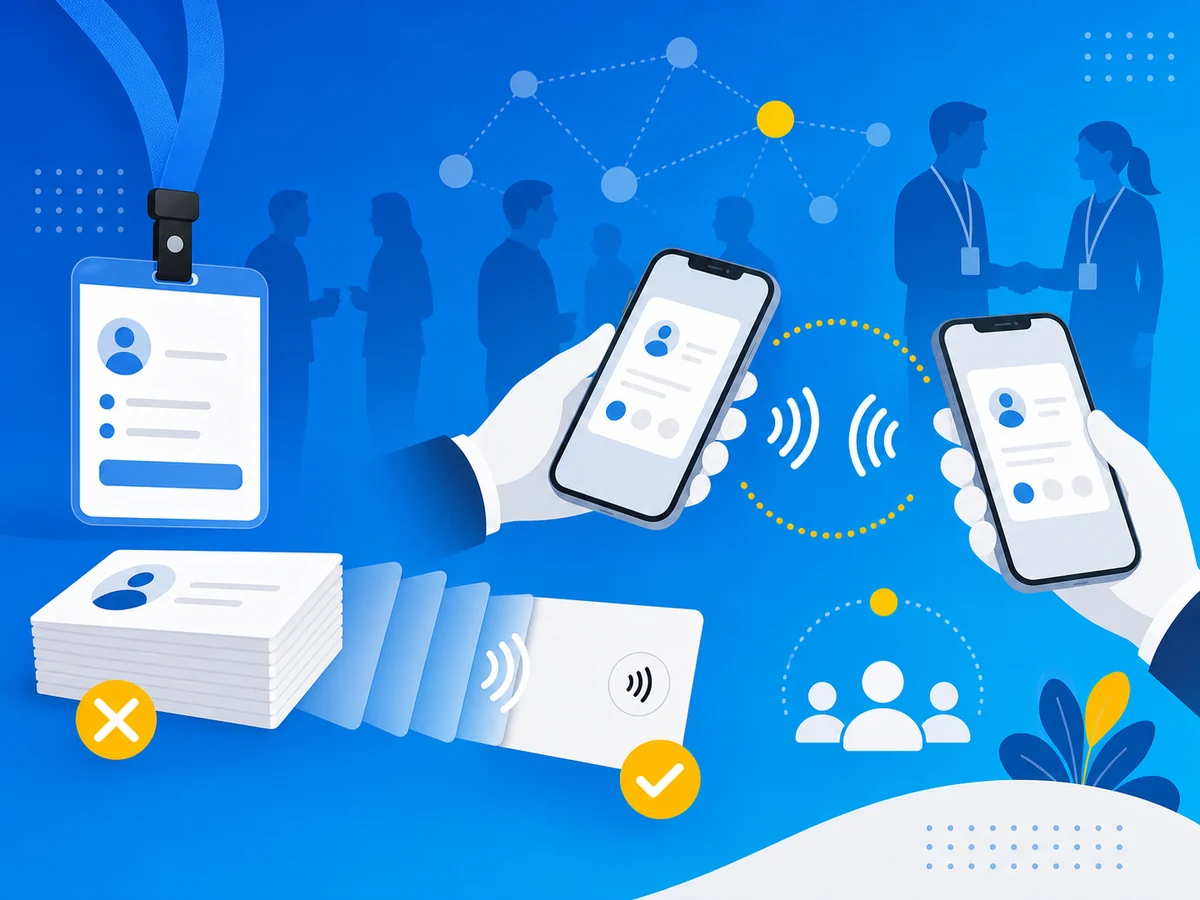
You’ve been there.
It’s day two of a three-day conference. You’ve already handed out your entire stack of business cards. The keynote speaker you’ve been waiting to meet is standing right there at the coffee station, and you’re patting your pockets like you lost your wallet.
Or maybe you made it through the event with cards to spare - only to come home with a crumpled pile of 47 other people’s cards that you now need to manually type into a spreadsheet before you forget who was who.
Paper business cards and conferences have never been a great match. They just happened to be the only option for a very long time.
They’re not anymore.
Why Paper Cards Fail at Conferences
Before we get to the solution, let’s be honest about the problem. Paper business cards weren’t designed for high-volume networking events. They were designed for one-on-one meetings where you hand one card to one person, maybe twice a day.
At a conference, everything that’s slightly inconvenient about paper becomes a real problem:
You run out. The average conference attendee meets dozens of people over two or three days. Most people bring 50-100 cards and hope for the best. If you’re a speaker, exhibitor, or just genuinely good at networking, that’s not enough.
They get destroyed. Cards get shoved into badge holders, folded into jacket pockets, stacked under coffee cups, and dropped on expo floors. By the time someone finds your card a week later, it looks like it went through the wash.
You can’t track anything. Which of those 47 cards came from the fintech panel? Which was the person who wanted to partner on that project? Paper doesn’t come with timestamps, notes, or context.
88% end up in the trash. That’s not a guess - it’s the most-cited statistic in the industry (originally from Adobe research). Within one week of a conference, nearly 9 out of 10 paper cards are thrown away. All that printing, all that exchanging, and the vast majority produces zero follow-up.
They can’t be updated. Got promoted between conferences? Changed your phone number? Launched a new product? Your old cards are already in people’s pockets with outdated information, and there’s nothing you can do about it.
The Three-Phase Plan: Before, During, and After
Going digital isn’t just about swapping paper for an app. The real advantage is having a system that works across the entire conference timeline - from preparation to follow-up. Here’s how to set it up.
Phase 1: Before the Conference
The worst time to set up your digital business card is while you’re standing in a registration line. Get this done at least a week before the event.
Choose your digital card platform
If you don’t have one yet, look for these conference-specific features:
Multiple sharing methods - You’ll want NFC tap, QR code display, and a shareable link. Different situations call for different approaches at a conference.
Reliable in poor connectivity - Conference WiFi is notoriously unreliable. NFC taps are instant (they transmit a link), and the card profile loads quickly even on a spotty connection - much more reliable than loading a full app or website.
Multiple card profiles - If you’re attending as both a speaker and a vendor, or if you work across different brands, you need separate cards for separate contexts.
No app required for recipients - The person you’re meeting shouldn’t need to download anything. If your card requires the other person to install an app before they can see your info, you’ve already lost them.
Multi-language support - For international conferences, having your card available in the recipient’s language is a real differentiator.
NFC.cool Business Card covers all of these - NFC + QR + link sharing, multiple card profiles, no app needed for recipients (App Clip on iOS, website on Android), and the app UI and App Clip support 35 languages. It’s what we’d recommend, but whatever you choose, make sure it hits those criteria.
Create an event-specific card (or update your existing one)
Don’t just use your generic card. For conferences, consider:
Adding your talk title and time if you’re speaking (“Catch my talk: ‘AI in Fintech’ - Hall B, Thursday 2pm”)
Including a conference-specific CTA (“Let’s grab coffee at the event - text me”)
Linking to relevant work samples - a portfolio, a case study, a demo video
Removing clutter - At a conference, people don’t need your fax number. They need your name, what you do, and the fastest way to reach you.
With a digital card, you can make these changes in seconds and revert after the event. Try doing that with 500 printed cards.
Prepare your hardware
This is optional but makes a big impression:
NFC-enabled phone - Most modern smartphones (iPhone 7+ and most Android phones from 2018+) support NFC. Make sure yours has it enabled.
NFC card or sticker - A physical NFC card that links to your digital profile gives you the best of both worlds. You physically hand someone something (the familiar ritual), but it instantly opens your digital card on their phone. No app install. No typing. Just a tap.
Phone case with NFC sticker - Even simpler. Stick an NFC tag on the back of your phone case that links to your card. When someone asks for your info, you just say “tap your phone on the back of mine.”
Put your QR code on your lock screen (iOS)
NFC.cool Business Card’s Conference Mode uses an iOS Live Activity to put your card’s QR code directly on your lock screen. This is the fastest sharing method at conferences:
Your QR code is always visible - no unlocking, no opening any app
People just scan your screen while you’re talking to them
It’s even faster than Apple Wallet because you don’t need to find the right pass
Apple Wallet integration is also available as a backup option.
Phase 2: During the Conference
This is where digital cards actually shine versus paper.
The NFC tap (fastest method)
You’re in a conversation. It’s going well. They say “let me get your card.” Instead of breaking eye contact to dig through your bag, you pull out your NFC card (or your phone) and say “just tap your phone here.”
Three seconds. Your full contact info, links, photo, and whatever else you’ve included is now on their phone. No typing. No fumbling. No “let me spell my last name for you.”
The wow factor is real. At conferences, people remember the person whose card appeared on their phone like magic. It’s a conversation starter in itself.
Pro tip: The NFC tap itself works without WiFi - it’s a direct phone-to-tag communication that opens a link. The recipient’s phone will need a brief data connection (cellular works fine) to load your card profile, but it’s far faster and more reliable than loading a full website in a crowded expo hall.
The QR code (universal fallback)
Not everyone is comfortable with NFC yet, and some older phones don’t support it well. For those situations, pull up your QR code:
Open your digital card app and display the QR code
The other person opens their camera and scans it
Your card opens in their browser - no app needed
It takes about five seconds instead of three, and it works with literally any smartphone with a camera.
Conference hack: If you’re at a booth or table, print your QR code on a small stand. People can scan it while chatting with you - no exchange needed. You can even put it on your conference badge with a small sticker.
The link share (for virtual connections)
Conferences aren’t just about the expo floor anymore. There are Slack channels, WhatsApp groups, LinkedIn DMs, and conference app chats. For those virtual interactions:
Share your card’s link directly in the chat
No QR code needed, no physical proximity required
Works for post-session Q&A, virtual attendees, or people you meet on social media during the event
Keep track as you go
One of the biggest advantages over paper: you can see who viewed your card and when. After a particularly good conversation, make a quick note in your phone: “Sarah - VP Marketing at Acme - discussed partnership on sustainability project.” When you follow up later, you’ll have context that a paper card never provides.
Phase 3: After the Conference
This is where most networking efforts die. You fly home, drop the card stack on your desk, and say “I’ll sort through those tomorrow.” Tomorrow becomes next week. Next week becomes never.
Digital cards fix this because the work is already done.
Follow up within 48 hours
Your contacts already have your digital card with all your info. But the follow-up still matters. Send a quick message referencing your conversation:
“Hey Sarah - great talking at the sustainability panel yesterday. Here’s the case study I mentioned: [link]. Let’s find time to continue that conversation.”
Because your digital card includes your photo, they’ll actually remember who you are when your message arrives. (When’s the last time a paper card had a photo?)
Review your sharing analytics
Many digital card platforms show you who opened your card and when (NFC.cool offers this on iOS, with Android support coming soon). This tells you:
Who was interested enough to actually look at your profile (not just pocket your card politely)
When they looked - someone reviewing your card three days after the conference is a warm lead
What they clicked on - your portfolio? Your LinkedIn? Your booking link?
This data is conference gold. It tells you who to prioritize in your follow-up.
Update your card for next time
The conference is over. Remove the event-specific details, update your card with any new info (new title? new project? new headshot?), and you’re ready for the next one. Zero printing lead time. Zero waste.
“But What If They Expect a Paper Card?”
This is the most common hesitation, and it’s fair. Depending on the industry and region, some people still expect a physical exchange.
Here’s the thing: an NFC card is a physical exchange. You hand someone a card. They hold it near their phone. Your info appears. The ritual is preserved - it’s just faster and more impressive.
And if someone genuinely insists on paper, you can always say “I’ve gone digital, but let me send you my card right now” and share it to their phone via QR or link. In two years of conferences, we’ve never heard of anyone refusing a digital card. Most people are relieved they don’t have to type your info later.
Quick-Start Checklist
Here’s everything you need to do, in order:
-
Download a digital business card app (we recommend NFC.cool Business Card - free on iOS and Android (inside NFC.cool Tools))
-
Create your card with name, title, company, contact info, and links
-
Add your photo - it helps people remember you after the event
-
Save your QR code to Apple Wallet (iOS) for quick lock-screen access
-
Optional: Order an NFC card or sticker for the physical tap experience
-
Customize your card for the specific event (talk details, special CTA)
-
Practice the tap/QR flow once before the event so it feels natural
-
Follow up within 48 hours after the event using your sharing data
Frequently Asked Questions
Does the other person need an app to receive my digital card?
No. When you share via NFC tap, QR code, or link, your card opens in their web browser. They can save your contact info directly to their phone’s address book - no app install required.
What if the conference WiFi is terrible?
The NFC tap itself works without WiFi - it transmits a link directly from the tag to the phone. Both NFC and QR codes will need a brief data connection to load the card profile, but most phones can fall back to cellular data. The profile is lightweight and loads quickly even on slow connections.
Can I use different cards for different conferences?
Yes - most digital card platforms support multiple card profiles. Create one for each event, role, or audience. Switch between them in seconds. With NFC.cool BC, you can create and manage as many cards as you need.
Are NFC business cards compatible with all phones?
All iPhones since iPhone 7 (2016) and the vast majority of Android phones from 2018 onward support NFC reading. The recipient doesn’t need NFC to receive your card - they can always scan the QR code or click a link instead.
How much does it cost compared to printing paper cards?
A basic digital business card is free on most platforms (including NFC.cool). A physical NFC card or sticker typically costs $5-$30 as a one-time purchase and can be reprogrammed for every event. Compare that to $50-$150 per print run of paper cards that can’t be updated and go straight to the recycling bin.
What about data privacy at conferences?
This is worth asking about any platform you use. Some digital card providers track recipients, record conversations, or sell contact data. NFC.cool BC is privacy-first: no data monetization or advertising, no recipient solicitation, no conversation recording, PIN protection for sensitive cards, and full GDPR compliance with data export.
The Bottom Line
Conferences are where paper business cards are at their worst: you need too many, they get destroyed, they can’t be tracked, and 88% end up in the trash within a week.
Digital business cards are where conferences are at their best: fast sharing that actually impresses people, analytics that tell you who’s interested, and follow-up that happens automatically instead of “someday.”
Your next conference is coming up. This time, leave the paper at home.
NFC.cool Business Card is available for free on iOS and on Android inside NFC.cool Tools. Create your first card in under a minute.