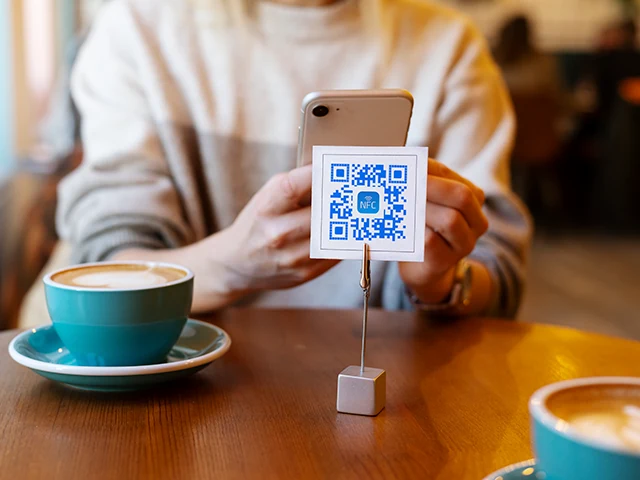
A QR code is just a bucket of bytes. URLs are by far the most common payload, but the spec doesn’t care - you can encode Wi-Fi credentials, a calendar event, a map pin, a contact card, plain text, or any custom payload an app knows how to decode.
NFC.cool’s QR generator covers all of those. Here’s what each one actually does when scanned.
URLs
The basic case. Encode https://example.com, scan with any camera, and the device offers to open it. Works on every phone made in the last decade.
A useful variant: short links. If you have analytics-heavy URLs, generate the QR over the short version - it makes the QR code physically smaller (fewer modules = less dense) and easier to scan from a distance.
Wi-Fi credentials
Encode an SSID, password, and security type (WPA2, WPA3, open) in the standard WIFI:T:WPA;S:...;P:...;; format. iOS, Android, and modern Windows all recognise the format and prompt to join.
Print this on a small card in your guest room. Stick it on the back of the router. Tape it to the wall in a café. Guests scan, join, done - no typing 24-character passwords.
Calendar events
Encode an event as a BEGIN:VEVENT block (the iCalendar format). Scanning offers to add it to the device’s calendar app, complete with start time, end time, location, and description.
Useful on event posters, conference signage, or “save the date” cards. The recipient doesn’t have to find the event on a website - they tap once and it’s on their calendar.
Locations
Encode a geo: URI with latitude and longitude. Scanning opens the default maps app at that pin - Apple Maps on iOS, Google Maps on most Android phones.
Restaurants, venues, meetup spots: stick a small QR on the flyer or invite, recipients get directions with one tap.
vCard (contacts)
The most common alternative to URLs. Encode a full vCard (name, phone, email, organisation, address, URL, photo) and the device offers to save it as a contact.
QR business cards work this way out of the box. It’s also why a vCard QR works on every phone with no special app - vCard is a 30-year-old standard the OS already knows.
The trade-off vs the NFC.cool business card flow: a vCard QR can’t be updated. Once printed, the contact data is frozen. If you want a “single source of truth” that you can edit later, encode a URL to your live business card page instead - that’s what NFC.cool Business Card does, and it’s why we recommend it over raw vCard QR for serious networking.
Plain text
If you just want to display a string when scanned - a message, a coupon code, a riddle - you can encode plain text. Most scanner apps will display it and offer to copy or share.
Custom payloads
Some apps register custom URL schemes (myapp://...) and recognise QR codes encoded with them. NFC.cool’s scanner respects those - it reads the payload and hands off to the registered app, the same way iOS or Android would do via Universal Links.
On the scanning side
NFC.cool’s scanner reads any of the above formats and routes them to the right action: URLs open in the browser, vCards offer to save, Wi-Fi prompts to connect, locations open in maps. It also keeps a local history of every scan, which is useful when you’ve scanned 30 menus at a conference and want to revisit one.
The whole QR stack - generator and scanner - is available inside NFC.cool Tools for iPhone and Android.