Auto edge detection
Aim at a page; NFC.cool finds the corners and snaps automatically. Multi-page scans capture an entire stack in one session.
Capture documents with automatic edge detection and perspective correction. On-device OCR turns every scan into searchable text — no upload, no signup.


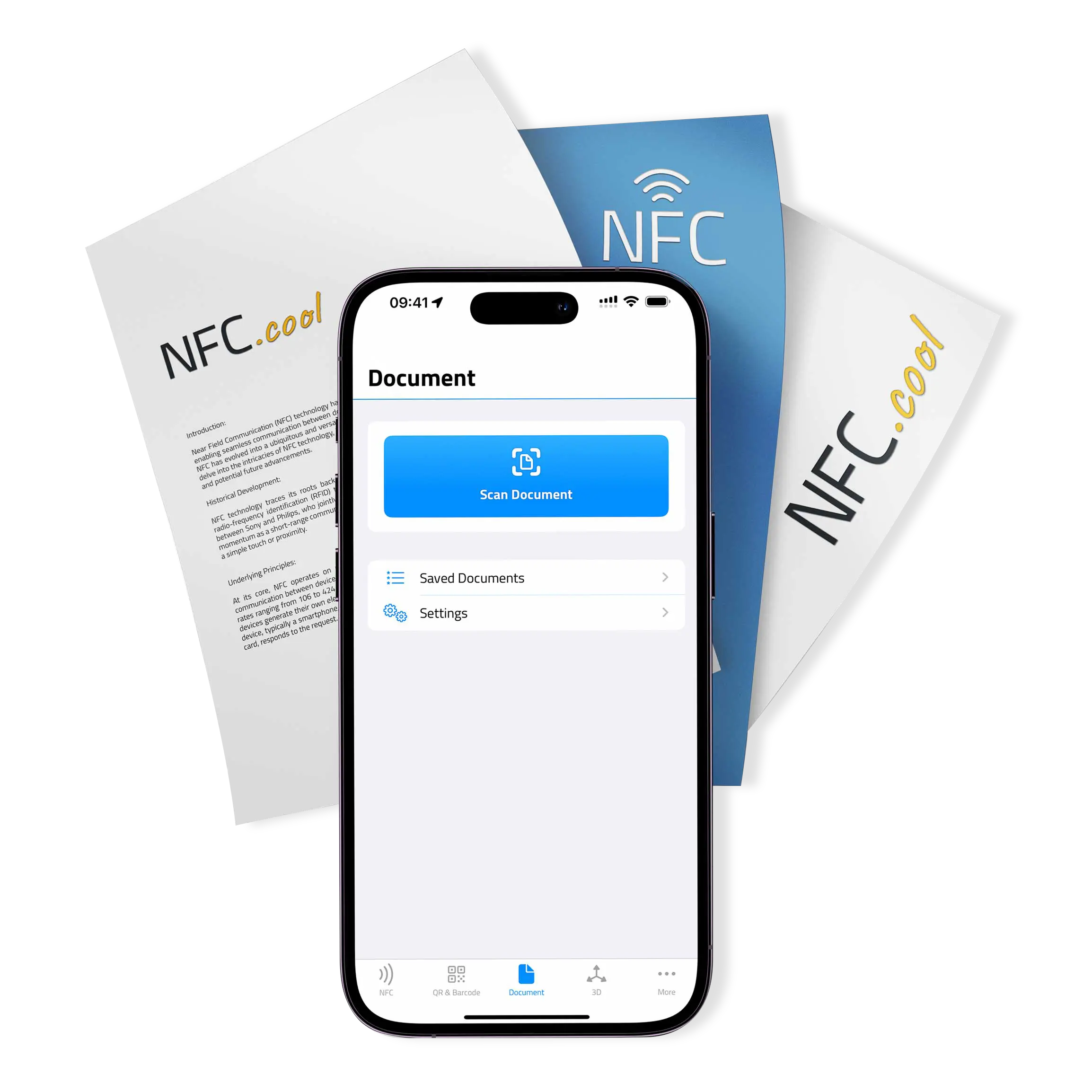
Aim at a page; NFC.cool finds the corners and snaps automatically. Multi-page scans capture an entire stack in one session.
Skewed shot? NFC.cool warps the page to a clean rectangle, removes shadows, and boosts contrast so the result looks like a flat scan.
Text recognition happens locally on your iPhone — no document, no text leaves the device. Every page's recognized text is stored alongside the image and searchable inside the app.
Build a multi-page PDF with the OCR'd text layer embedded, so every word is selectable, copyable, and searchable in any PDF reader.
Send via Mail, Messages, or AirDrop, or save to Files. No watermark, no signup, no NFC.cool branding.
Documents aren't always one page. NFC.cool keeps the camera open between captures, lets you reorder pages, drop the duds, and binds everything into one document. A built-in title-suggestion service reads the first page and proposes a sensible filename — saves you the renaming dance every time.
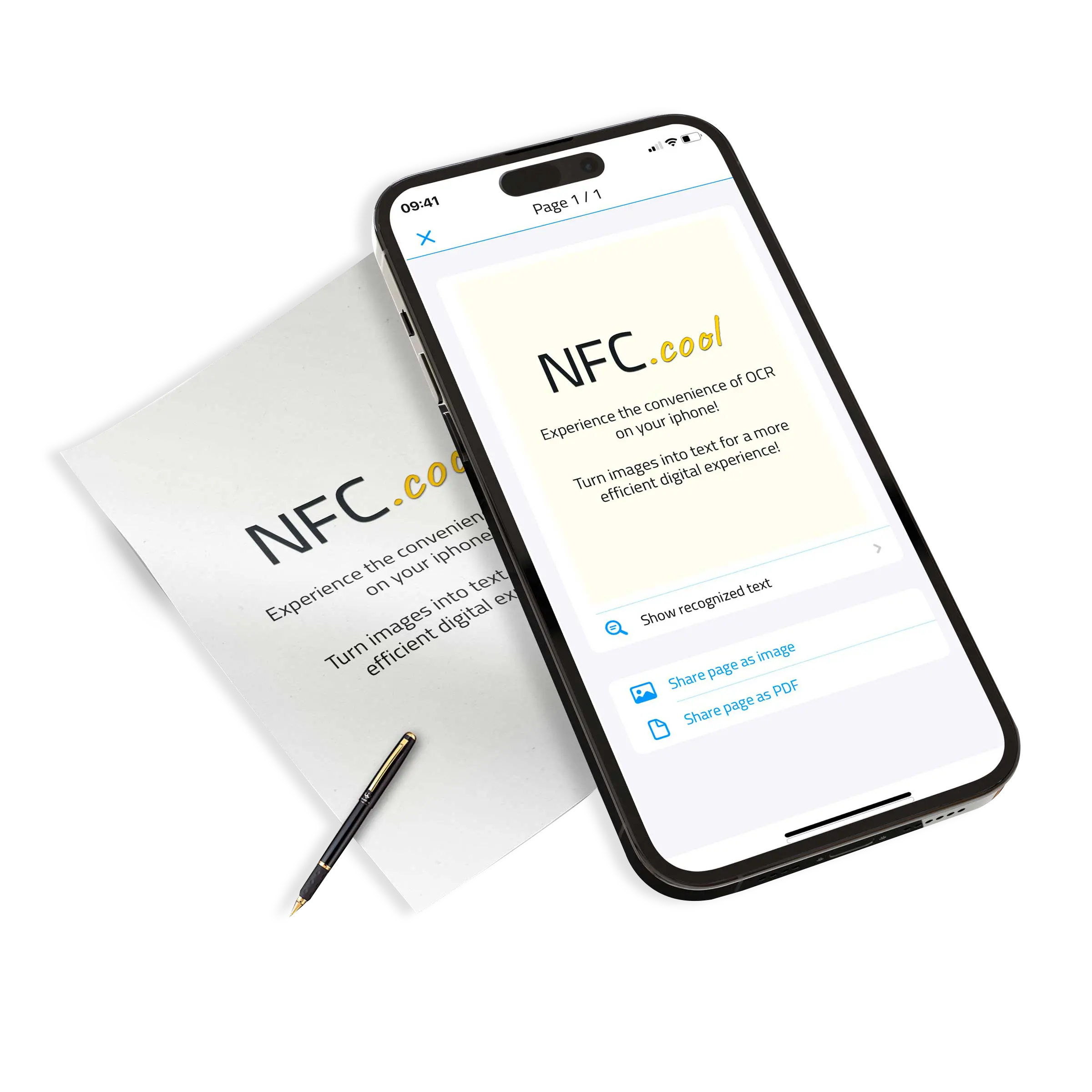
Already snapped the receipt with the regular camera? Pick the image (or several) from your photo library — NFC.cool runs the same edge detection, perspective correction, and OCR on imported photos as on fresh captures. Useful for retroactively cleaning up months of scattered phone shots.
Documents sync seamlessly through iCloud across every device on your account. Scan a contract on the iPhone, review it on the iPad, sign it on the Mac — same library, no exporting back and forth. The original images and the recognised text both ride along.

PDFs from a phone can balloon if you're not careful. NFC.cool exposes the compression rate as a setting, so you can pick between archive-quality fidelity and email-friendly file size — without re-scanning.
| Free | Platinum | |
|---|---|---|
| Scan documents with auto edge detection | ✓ | ✓ |
| Perspective correction & enhancement | ✓ | ✓ |
| On-device OCR (English, French, German, etc.) | ✓ | ✓ |
| Import from photo library | ✓ | ✓ |
| Single-page share via Mail/AirDrop | ✓ | ✓ |
| Multi-page PDF export with text layer | ✗ | ✓ |
| Auto-export to iCloud Documents | ✗ | ✓ |
| Configurable compression | ✗ | ✓ |
| iCloud sync across iPhone, iPad, Mac | ✓ | ✓ |
Yes. iOS Vision handles OCR entirely on-device. You can scan and OCR documents on a plane, in the bush, anywhere.
iOS Vision currently recognises English, French, Italian, German, Spanish, Portuguese, and simplified Chinese. Handwriting recognition is supported in addition.
Very high for printed text. Handwriting accuracy depends on neatness and contrast. You can edit any recognised text after the scan.
Free tier: in the app sandbox on the device. Platinum: optionally auto-exported to iCloud Documents so they show up in the Files app and on every device signed into your iCloud.