Universal QR scanning
URLs, vCards, Wi-Fi credentials, calendar events, payments, app-store deep-links — NFC.cool detects the payload type and offers the right action.
Scan any QR code from the camera or pick one out of a screenshot. Design custom QR codes with logos, Genmoji, and brand colors in the built-in QR Code Studio.


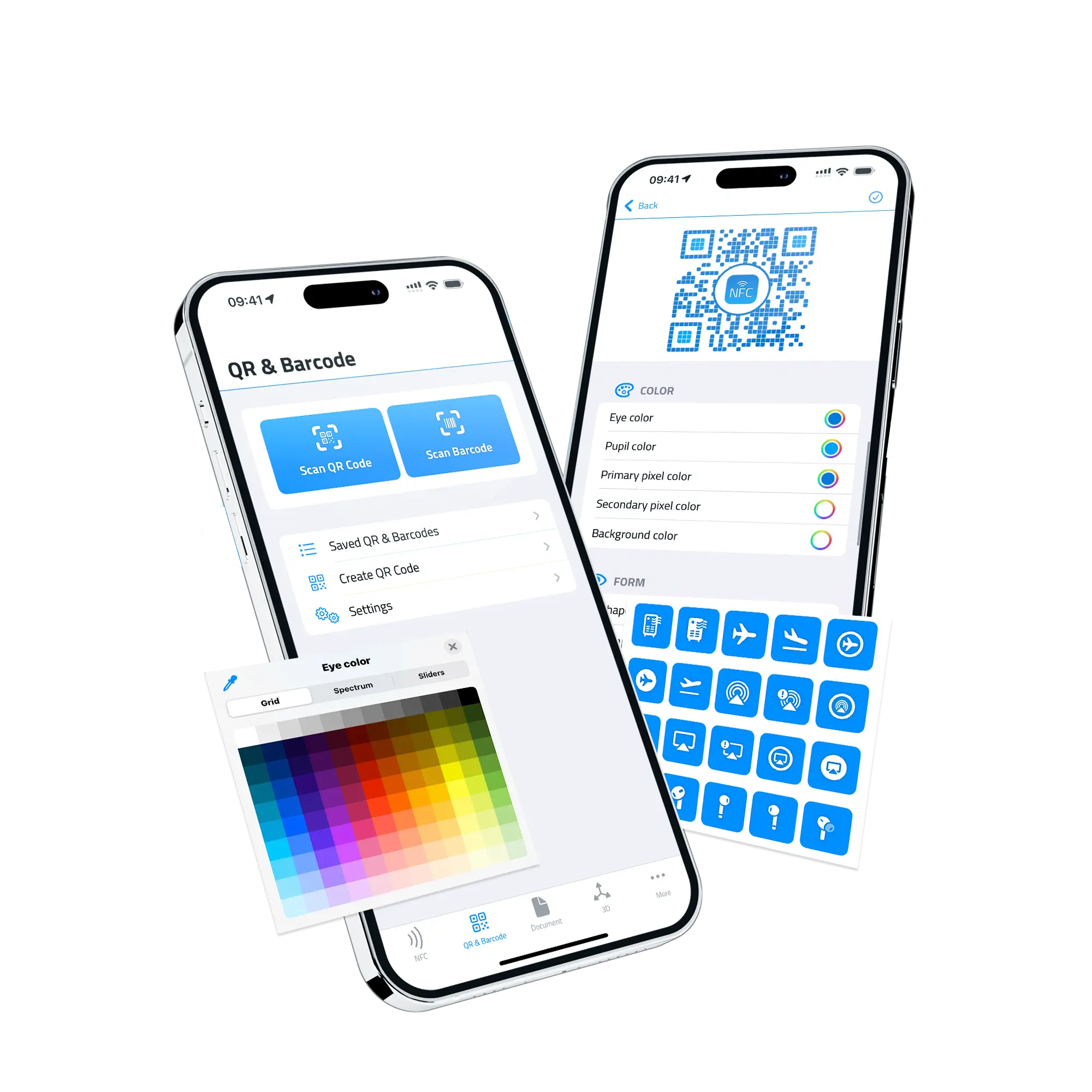
URLs, vCards, Wi-Fi credentials, calendar events, payments, app-store deep-links — NFC.cool detects the payload type and offers the right action.
Pick any image from your photo library and NFC.cool finds and decodes any QR code inside it — even partially obscured or low-contrast ones.
Design QR codes with custom colors, rounded eye patterns, custom pixel shapes, and a logo or Genmoji in the center. Export as SVG vector or PNG at up to 4096×4096.
Every scan is saved locally — re-open the payload, copy it, share it, or jump straight back to the action.
Open URLs, run Shortcuts, fire a webhook, or speak the result aloud the moment a code is scanned — the same five-hook automation that powers NFC scans.
Drop your most-shared QR codes onto the iPhone or iPad home screen with the QR Image Widget. Wi-Fi for the office, your business-card link, the menu for your bar — visible at a glance, scannable from the next person's phone without you opening anything. The Last Scan Widget shows the most recently scanned code so you can re-share it instantly. And the Scan Button Widget launches the scanner directly from the home screen or lock screen — a single tap, even on iOS 17+ via interactive controls.
Three Intents wire the QR scanner into iOS automation: ScanIntent (launch the scanner from a Shortcut), GetLastQrCode (read back whatever was scanned last), LaunchScan (open the app in scan mode). Build a Shortcut that scans a code, parses the URL, drops a row into Numbers, posts to Slack — anything iOS lets you script.
QR Code Studio lets you keep the scannability while losing the corporate-square aesthetic. Choose pixel shapes (rounded, dots, diamonds), per-eye styles, foreground / background colors, a logo image or Genmoji in the center. Export at six pixel sizes — 512, 1024, 1536, 2048, 3072, or 4096 — or as a clean SVG vector for print.
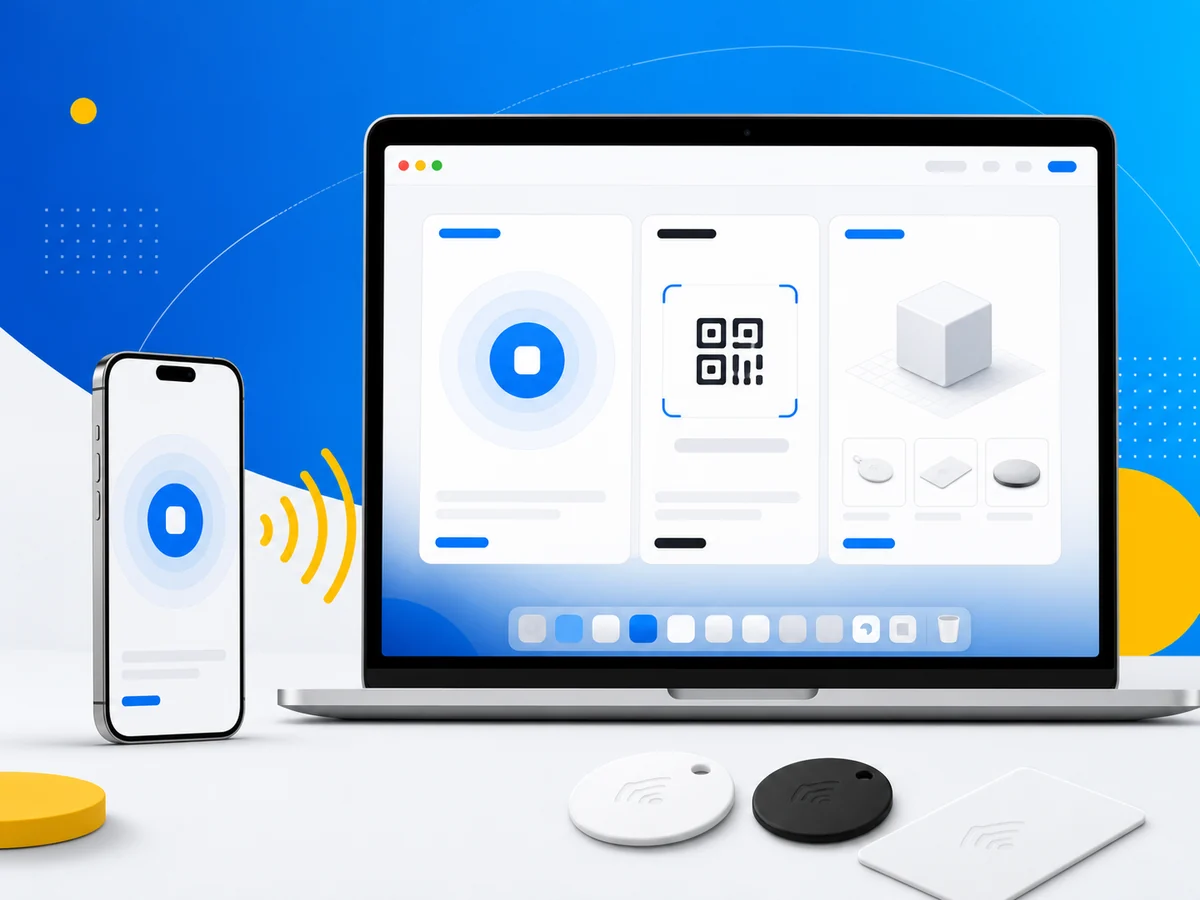
Scan history and your QR Studio designs sync across every device on your iCloud account. Design a QR on the iPad, share it from the iPhone, edit it on the Mac — same library, same edits, no exporting back and forth.
Three settings turn the scanner from one-and-done into a continuous workflow. Multi-scan lets you scan several codes in one camera session. Batch read keeps the camera open for inventory or event check-ins. Auto-torch kicks the LED on in low light so you don't fumble for the flashlight button. There's also a toggle between iOS 16's VisionKit DataScanner and the legacy AVFoundation camera, if you prefer the older behaviour.
| Free | Platinum | |
|---|---|---|
| Scan QR codes from camera or photo library | ✓ | ✓ |
| Universal payload detection (URL, vCard, Wi-Fi, …) | ✓ | ✓ |
| Generate basic QR codes | ✓ | ✓ |
| QR Studio: custom colors, shapes, logo, Genmoji | ✗ | ✓ |
| Export as SVG / high-resolution PNG | ✗ | ✓ |
| Multi-scan, batch read, continuous mode | ✗ | ✓ |
| No watermarks on generated codes | ✗ | ✓ |
| Widgets (home screen, lock screen, controls) | ✗ | ✓ |
| Shortcuts & App Intents | ✗ | ✓ |
| iCloud sync across iPhone, iPad, Mac | ✓ | ✓ |
The Android version of NFC.cool currently focuses on NFC and the Digital Business Card. QR scanning is on the Android roadmap.
Yes. They're standard QR codes with optional cosmetic styling. Every standard reader (iOS Camera, Google Lens, Android stock scanners) can decode them.
Yes. Pick any image from your photo library and NFC.cool finds every QR code inside — even partially covered ones.
Free codes carry a small attribution. Platinum codes are watermark-free — purely your design.