RoomPlan capture
Walk through a room with your iPhone's LiDAR sensor. NFC.cool builds a parametric model in real time — walls, doors, windows, and openings.
LiDAR-powered RoomPlan turns a walk through your space into a clean parametric floor plan — walls, doors, windows, and recognised furniture, exported as a single USDZ scene.


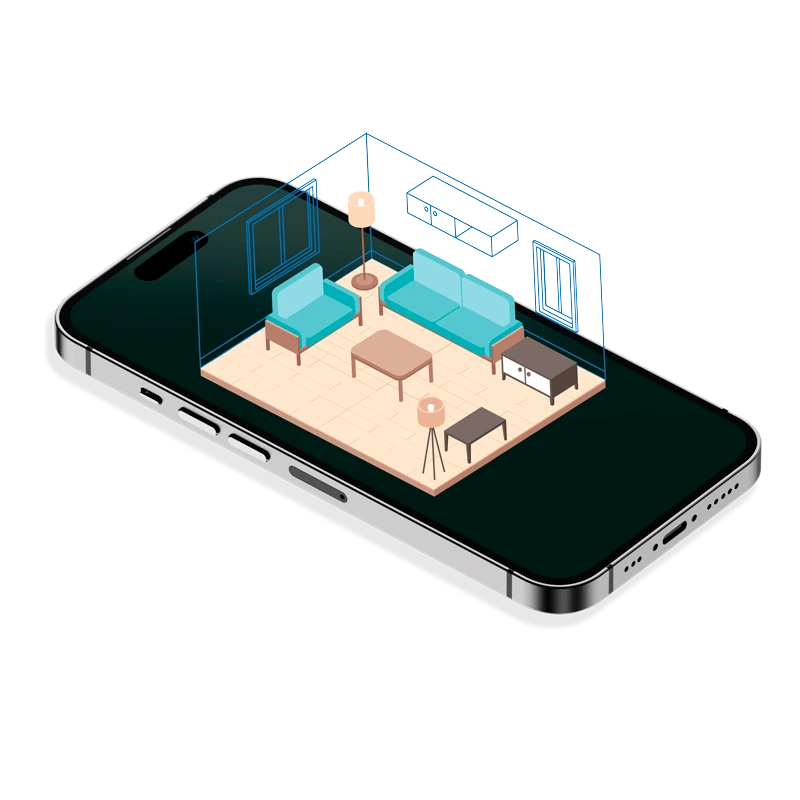
Walk through a room with your iPhone's LiDAR sensor. NFC.cool builds a parametric model in real time — walls, doors, windows, and openings.
Beds, sofas, tables, chairs, storage, stoves, sinks, toilets, bathtubs and TVs are detected and labelled inside the scene.
Every room reports floor area, ceiling height, and per-wall dimensions. Read them off the model or embed them in the exported USDZ.
Open the finished room in AR Quick Look or share the USDZ — recipients can walk around the model right inside Messages.
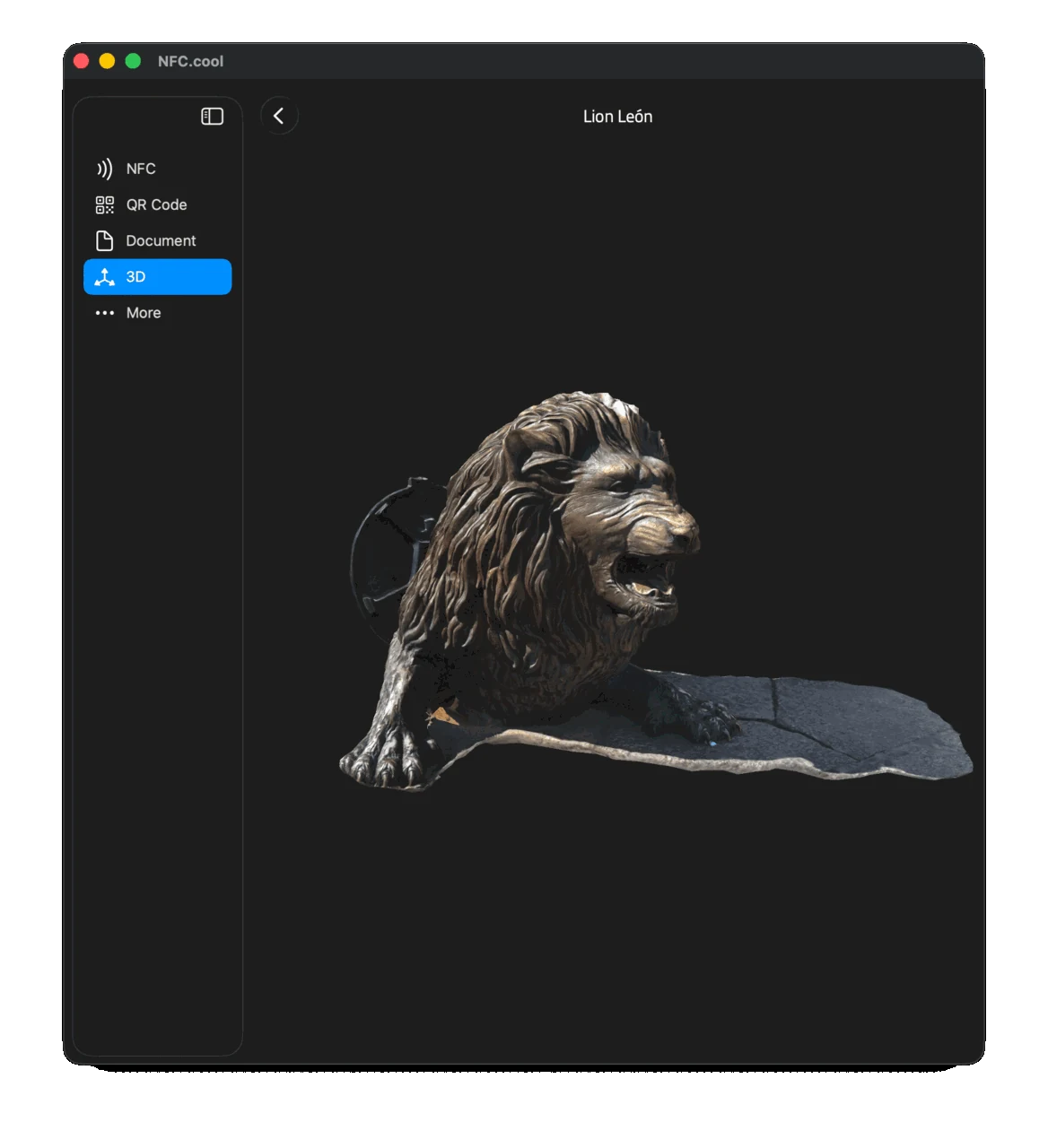
Once a scan is finished, drop it into AR Quick Look and physically walk around the digital twin. Useful for sanity-checking furniture placement before you buy, or for getting a sense of scale that drawings on a tablet just don't convey.
Each scan is one room. Capture the kitchen, capture the living room, capture the bedrooms — they live side-by-side in your library, and a 3D editor of your choice can stitch them into a multi-room USDZ. Particularly useful for real-estate listings, renovation planning, or insurance documentation.
| Free | Platinum | |
|---|---|---|
| Scan rooms with RoomPlan | ✓ | ✓ |
| View the parametric model | ✓ | ✓ |
| Walk through in AR Quick Look | ✓ | ✓ |
| Export room as USDZ | ✗ | ✓ |
| Floor-area calculation | ✗ | ✓ |
| Export raw room photos | ✗ | ✓ |
Yes. RoomPlan is a LiDAR-only API from Apple. (Object Scanning needs LiDAR too — Apple's Object Capture session checks for it.)
Just walk through the room. The result is generated live and is ready when you finish.
Yes — USDZ is supported by most modern CAD/3D tools. For SketchUp / Revit workflows, convert via Blender or a free USD-to-OBJ tool.