Webhook (POST to your URL)
HTTP POST with a structured JSON body the moment a scan succeeds. Configure one URL, optional HTTP Basic auth, and you're done. iOS and Android.
Five built-in hooks fire the moment you scan an NFC tag, a QR code, or a barcode — POST to your own server, open the URL, run a Shortcut, speak the result aloud, or play a sound. NFC.cool is the scanner; you own the action.


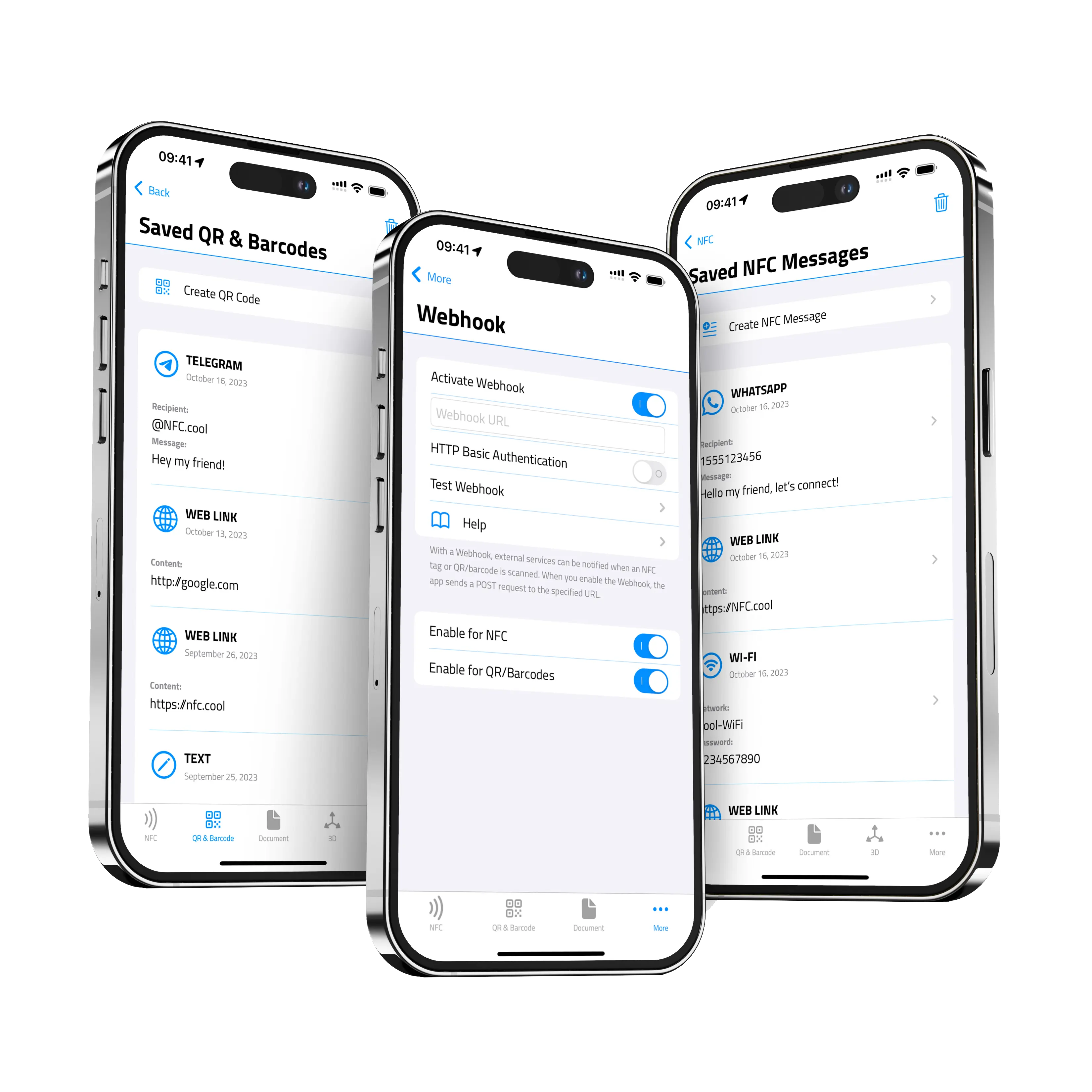
HTTP POST with a structured JSON body the moment a scan succeeds. Configure one URL, optional HTTP Basic auth, and you're done. iOS and Android.
When a scanned URL has a `shortcuts://` scheme, run the matching iOS Shortcut automatically — no extra tap. Pipe scan data into anything Shortcuts can reach.
When the payload is a regular URL, auto-open it in Safari (or the matching deep-link target). Skip the 'tap to open' step.
Read the scanned payload aloud, hands-free. Configurable speech rate. Useful for accessibility, hands-busy workflows, or just satisfying confirmation.
Play a confirmation sound on scan — your own choice of audio file or one of the built-in tones.
Webhooks fire on three event sources: NFC scans, QR scans, and barcode scans. Each source has its own enable/disable toggle, so you can pipe NFC reads into your inventory system without the camera scanner spamming the same endpoint. The webhook itself is the same — one URL, one JSON payload, one POST.
Every POST sends a JSON body shaped like this:
{
  "identifier": "04:A3:B2:81:C5:6E:80",
  "date": "2026-05-15T10:42:18Z",
  "content": "https://example.com/product/42",
  "tagType": "openPrintTag",
  "structured": {
    "material": "PLA",
    "color": "#FF6F4C",
    "manufacturer": "Prusament",
    "uuid": "5e8a-…"
  }
}
identifier is the tag UID or scanned code. date is ISO 8601. content is the decoded payload. tagType and structured are present only for special formats like OpenPrintTag — every other scan omits them.
Here's what your server receives — the equivalent curl for a plain URL payload:
curl -X POST https://your-server.example.com/scans \
  -H "Content-Type: application/json" \
  -u "username:password" \
  -d '{
    "identifier": "04:A3:B2:81:C5:6E:80",
    "date": "2026-05-15T10:42:18Z",
    "content": "https://example.com/menu"
  }'
The -u flag matches what NFC.cool sends when you've configured HTTP Basic auth in Settings — username and password are stored encrypted in the iOS Keychain.
The fastest way to see the whole loop end-to-end: github.com/NickAtGit/nfc-cool-webhook-server. A minimal example server that accepts NFC.cool webhook payloads, logs them, and shows the structure live. Clone, run, point your iPhone at it, watch the scans land.
| Free | Platinum | |
|---|---|---|
| Auto-open URLs on scan | ✓ | ✓ |
| Run Shortcuts on shortcut-URL scan | ✓ | ✓ |
| Play audio on scan | ✓ | ✓ |
| Speech synthesis (read aloud) | ✗ | ✓ |
| Webhook (POST to your URL) | ✗ | ✓ |
| Per-source enable/disable (NFC vs camera) | ✗ | ✓ |
Yes — webhooks are available on both iOS and Android versions of NFC.cool Tools. The JSON payload shape is the same across platforms. (The other four iOS hooks — auto-Shortcut, speech, audio, link-open — are iOS-only.)
One URL today. The same URL receives all scan events, distinguished by the enabled source toggles and the payload type.
HTTP Basic auth — username + password, stored encrypted in the iOS Keychain. Bearer tokens, custom headers, and HMAC signing are not currently supported.
The POST fails and the event is logged on the device. Today there's no automatic retry queue; if your server might be flaky, design your handler to be idempotent on retry and re-trigger from the scan history.
No hard limit imposed by NFC.cool. Tag payloads themselves are bounded by the NFC standard (a few KB for typical NDEF tags).
Clone the reference server at github.com/NickAtGit/nfc-cool-webhook-server, run it locally, point the app at it, and you'll see every scan arrive in real time.