All major barcode formats
Scan EAN-13/8, UPC-E (UPC-A is read as EAN-13), Code 128, Code 39 (incl. Mod 43), Code 93, ITF, ITF-14, Codabar, GS1 DataBar, PDF417, Aztec, Data Matrix and more — automatic format detection, no mode switching.
Scan 19 code formats — 13 linear barcodes (EAN, UPC, Code 128, GS1 DataBar and more) plus 6 two-dimensional codes (QR, PDF417, Aztec, Data Matrix and Micro variants). Batch mode keeps the camera open for inventory counts and event check-ins.


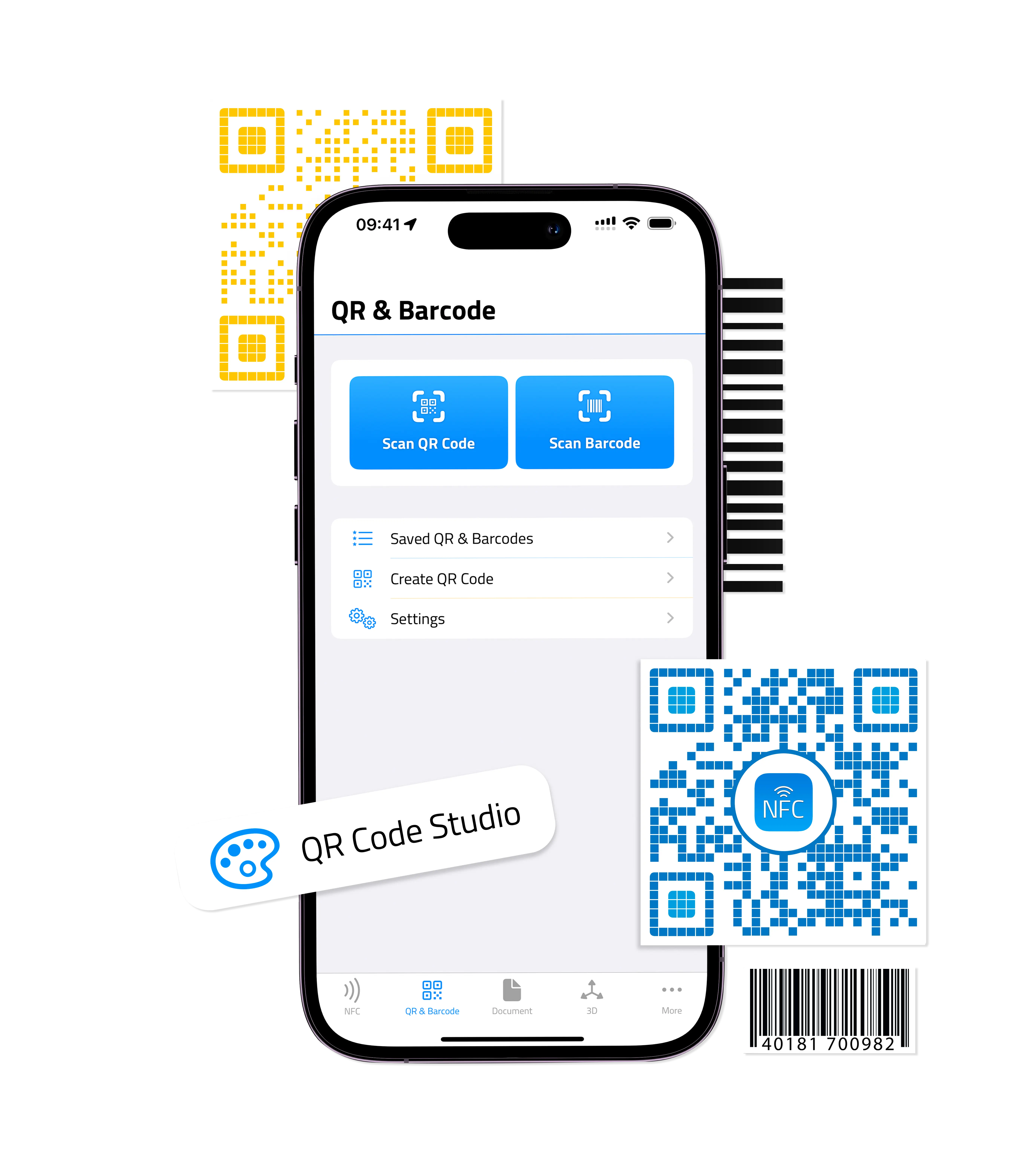
Scan EAN-13/8, UPC-E (UPC-A is read as EAN-13), Code 128, Code 39 (incl. Mod 43), Code 93, ITF, ITF-14, Codabar, GS1 DataBar, PDF417, Aztec, Data Matrix and more — automatic format detection, no mode switching.
Scan a stack of barcodes back-to-back without re-aiming. Useful for inventory counts, event check-ins, or library archives.
Look up retail barcodes via web search or pre-configured retailers (Amazon, Google Shopping, eBay) with one tap from the scan.
Every scan is saved with timestamp and format. Export the list as CSV or copy individual codes.
URLs and shortcut codes can auto-open the moment they're scanned, fire a webhook, or get spoken aloud — the same five-hook automation that powers NFC and QR.
Combine batch mode with multi-scan and the camera turns into a hands-free conveyor: aim, hear the chirp, aim at the next, hear the chirp, repeat. Each new code drops into the history list — no taps in between. Pair with the CSV export and you've replaced a $500 retail scanner with the phone in your pocket.
Point the barcode scanner at your back-office system. Every barcode read fires a webhook to your URL, so your inventory database, attendee CRM, or library catalogue updates in real time as the camera moves. See Webhooks & Automation for the JSON payload shape and a reference server.
| Free | Platinum | |
|---|---|---|
| Scan all 19 formats | ✓ | ✓ |
| Automatic format detection | ✓ | ✓ |
| Product lookup (Amazon, Google Shopping, eBay) | ✓ | ✓ |
| Scan history with timestamp | ✓ | ✓ |
| Batch mode / continuous scanning | ✗ | ✓ |
| Multi-scan (queue several codes per session) | ✗ | ✓ |
| CSV export of scan history | ✗ | ✓ |
| Webhooks on scan | ✗ | ✓ |
The Android version of NFC.cool currently focuses on NFC and the Digital Business Card. Barcode scanning is on the Android roadmap.
Yes — batch mode keeps the camera open and queues every barcode it finds. Tap any item in the queue to act on it.
Yes — the history view exports to CSV with timestamp, format, and raw payload.
Yes for the scan itself. Product lookup needs internet (it hits Amazon / Google Shopping / eBay), but the barcode read is on-device only.